Chapter 3 – Illuminator Description
Section 3.7 – Illuminator Settings
3-20
Section 3.7 Illuminator Settings
The settings that can be changed on the illuminator are:
date/time, language, illuminator identification and configurations.
The following describes these settings and how to change them.
NOTE:
Only ‘Administrator’ and ‘Service’ accounts have the ability to
access the ‘Illuminator Settings’ screen. Your authorized Cerus
Service representative will assist you to set up the first Administrator
account.
Before you are able to select the setting, you must access the
‘Select a setting’ screen. To access this screen, perform the
following:
• Turn on the device and press the ‘Enter’ button once it
appears.
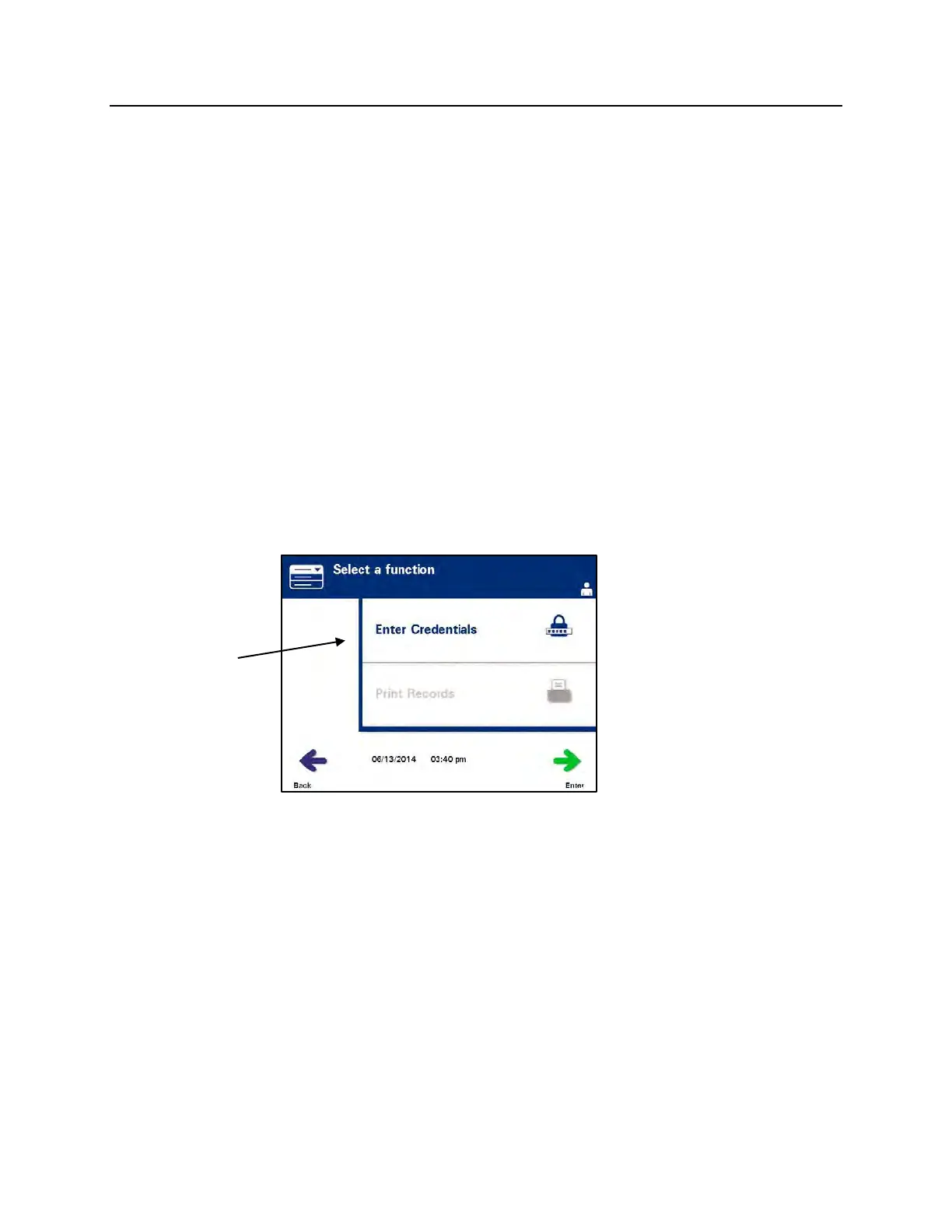
• The ‘Select a function’ screen will appear. Select the ‘Enter
Credentials’ option and press the ‘Enter’ button.
• The ‘Enter username’ screen will appear. Use the keypad to
enter your username and press the ‘Enter’ button. A
confirmation screen will appear. If the username is correct,
press the ‘OK’ button.



 To Next Page