Chapter 3 – Illuminator Description
Section 3.7 – Illuminator Settings
3-35
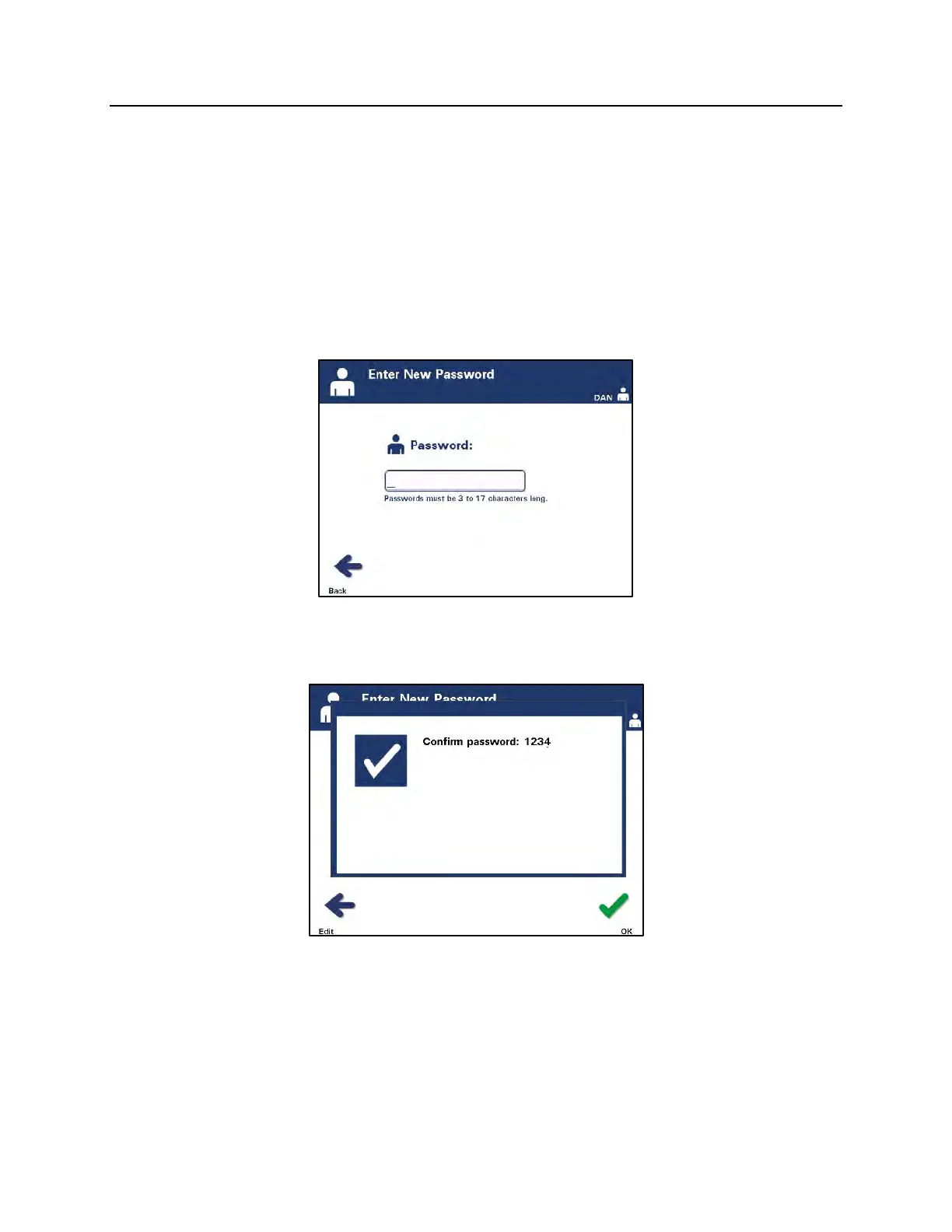
• Enter the password for the account, either by scanning a
barcode or by entering the password manually with the
keypad. (Refer to Section 4.2.) Press the ‘Enter’ button if the
password is manually entered.
NOTE:
The ‘Enter’ button only appears when an acceptable password is
entered.
NOTE:
Valid passwords are 3 to 17 characters in length and are limited to
alphabetic characters, digits, and the special characters “-“, “+”,
“*”, “$”, “.”, “/”, and “:”. Passwords are NOT case sensitive.
• The ‘Confirm password’ pop-up window will appear if the
password was manually entered. If the manually-entered
password is incorrect, press the ‘Edit’ button and correct it.
• If the manually-entered password is correct, press the ‘OK’
button.



 To Next Page