Chapter 3 – Illuminator Description
Section 3.7 – Illuminator Settings
3-32
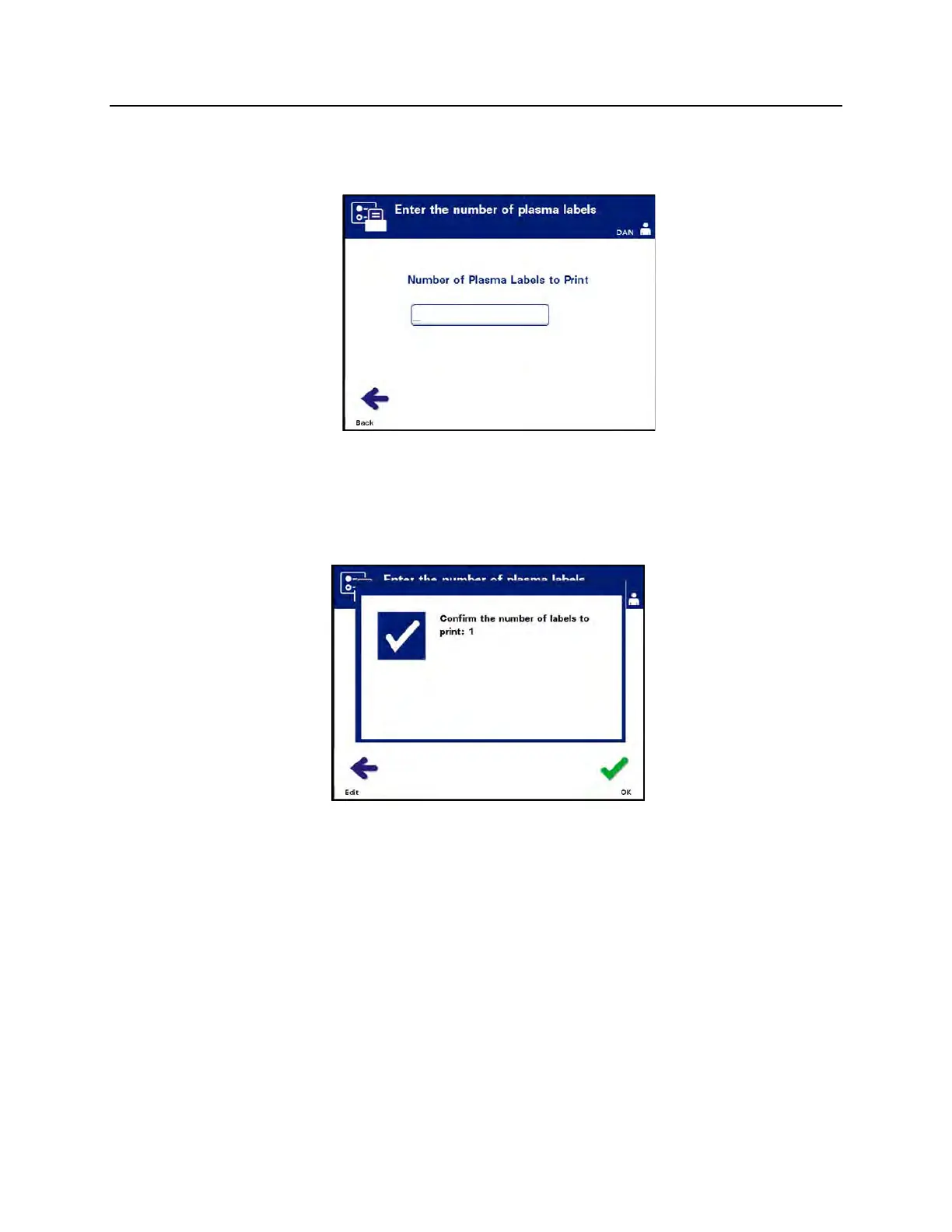
• Use the arrow buttons to choose ‘Platelets’ or ‘Plasma’. Press
the ‘Enter’ button to select component. The ‘Enter the number
of platelets/plasma labels’ screen will appear.
• Use the keypad to enter the desired quantity (0 - 6) of labels
to be printed.
• Press the ‘Enter’ button to select the number of labels. A
confirmation screen will appear.
• If the number of labels is incorrect, press the ‘Edit’ button to
return to the ‘Enter the number of platelet/plasma labels’
screen. Use the backspace () button on the keypad to
delete the number and re-enter the correct number. Press
the ‘Enter’ button to select the number of labels. A
confirmation screen will appear.
• If the number of labels is correct, press the ‘OK’ button. The
‘Select a blood component’ screen will appear.
• Repeat the process for the desired number of
platelet/plasma labels to be printed.
• Press the ‘Back’ button to return to the ‘Select a configuration
setting’ screen.



 To Next Page