Chapter 5 – Troubleshooting
Section 5.3 – Error Messages
5 - 8
Section 5.3 Error Messages
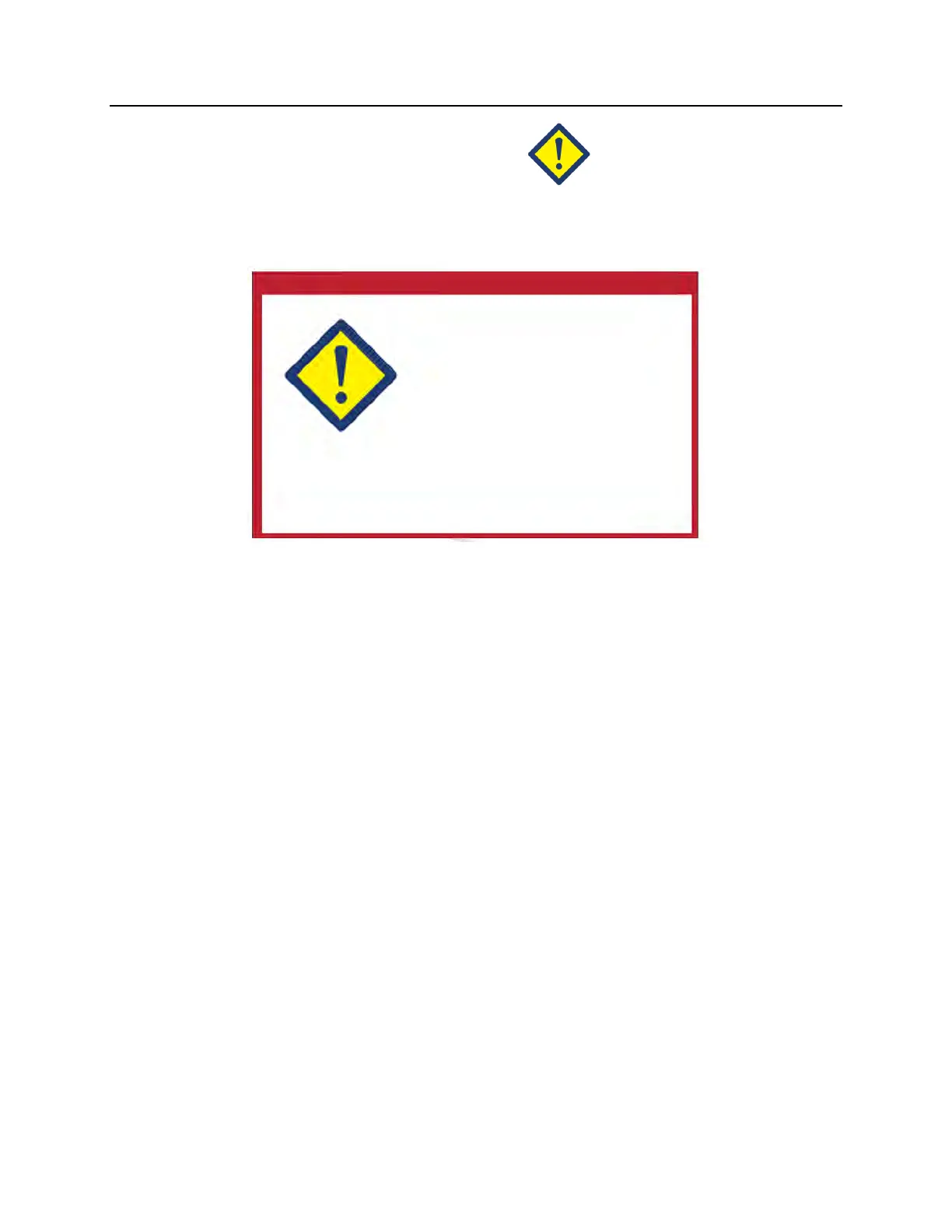
The error messages will be indicated by a red-bordered pop-up screen and will
have an icon with an exclamation point in a yellow diamond.
The error messages, or alarm messages, account for the largest portion of the
possible pop-up messages in this Section. Therefore, error messages will be
divided into subcategories. These subcategories will make it easier to rapidly
locate pertinent information. The subcategories are:
• Agitator
• Bulbs
• Data Entry
• Drawer
• Fan
• Front Door
• Integrity Check Issues (Self-tests)
• Processing Sets and Treatment
• Hardware Accessories
• Side Access Panel
The pop-up text message will dictate in which section the information will be
found. For example, if the text message displayed in the error pop-up is
‘Treatment stopped by operator. Check treatment status.’ the information for this
message would be found in the Processing Sets and Treatment Section.



 To Next Page