Chapter 3 – Illuminator Description
Section 3.4 – Front Panel Description
3-10
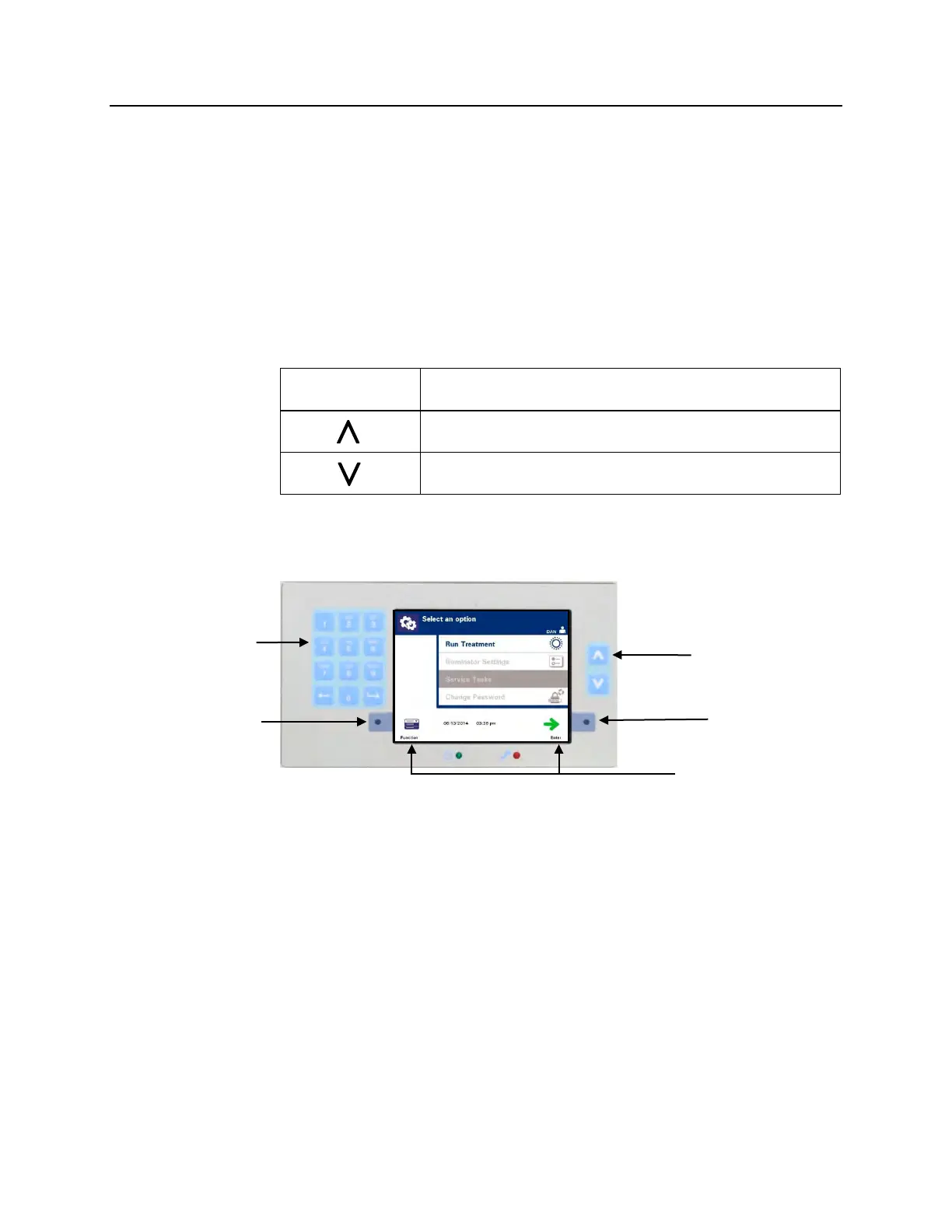
There are three types of buttons on the front panel of the
illuminator:
• Arrow buttons — up and down arrow buttons allow you to
scroll through the screen choices.
• Function buttons — the meaning of these buttons change to
guide you through the screen choices.
• Keypad — buttons with a number, letter and special
character function.
The arrow buttons are to the right of the screen:
Buttons Function
Up arrow allows you to scroll up through the menu
Down arrow allows you to scroll down through the menu
When a selection is chosen, it has a light background.
Function Buttons
Function buttons have screen symbols and labels that change
according to the step, to help you navigate through the screens.
The screen symbols and labels below appear next to the function
buttons.
Button



 To Next Page