Chapter 3 – Illuminator Description
Section 3.7 – Illuminator Settings
3-47
Data
Management
System
Do not connect the Illuminator to an open network. If using
optional devices, such as ‘Data Management System’, only
connect the illuminator to a firewall-protected network.
If your facility is using a data management system, set the
configuration as described below. Your computer personnel may
need to consult with your authorized service representative to set
up a system.
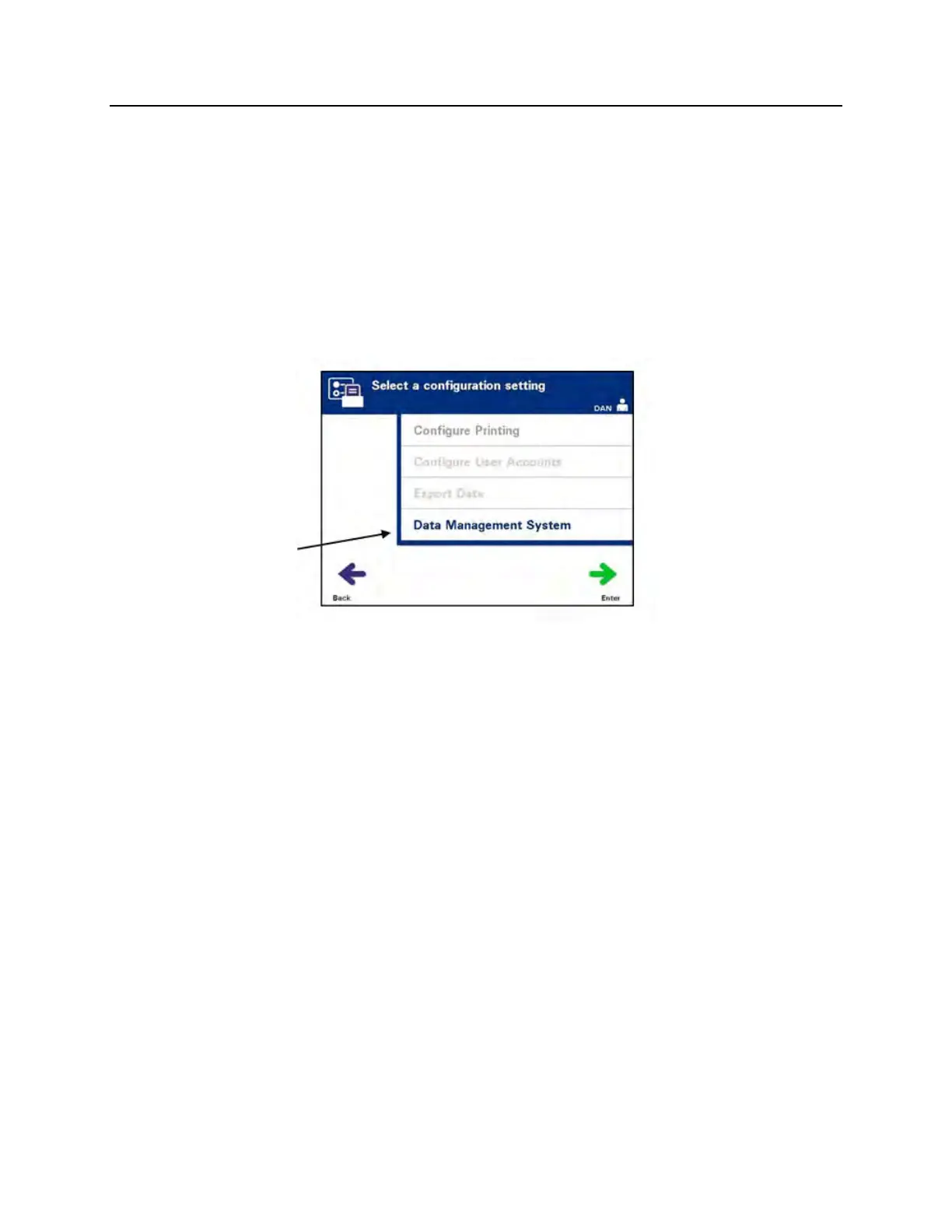
• From the ‘Select a configuration setting’ screen, use the arrow
buttons to choose the ‘Data Management System’ option.
• Press the ‘Enter’ button to select the ‘Data Management
System’ option. The ‘Enter data management system TCP/IP
address’ screen will appear.
• Use the keypad to enter the TCP/IP address of the data
management system connected to the illuminator.
• Press the ‘Enter’ button when the address has been entered.
A confirmation screen will appear.
• If the address is incorrect, press the ‘Edit’ button to return to
the ‘Enter data management system TCP/IP address’ screen.
• Using the keypad, press the backspace () button to delete
the address. Then, re-enter the correct address using the
keypad.
NOTE:
You must enter a unique 12 digit number for the TCP/IP address in
this format, XXX . XXX . XXX . XXX.
• Press the ‘Enter’ button when the address has been entered.
A confirmation screen will appear.
• If the address is correct, press the ‘OK’ button to confirm the
address. The ‘Enter illuminator TCP/IP address’ screen will
appear.



 To Next Page