Chapter 3 – Illuminator Description
Section 3.7 – Illuminator Settings
3-37
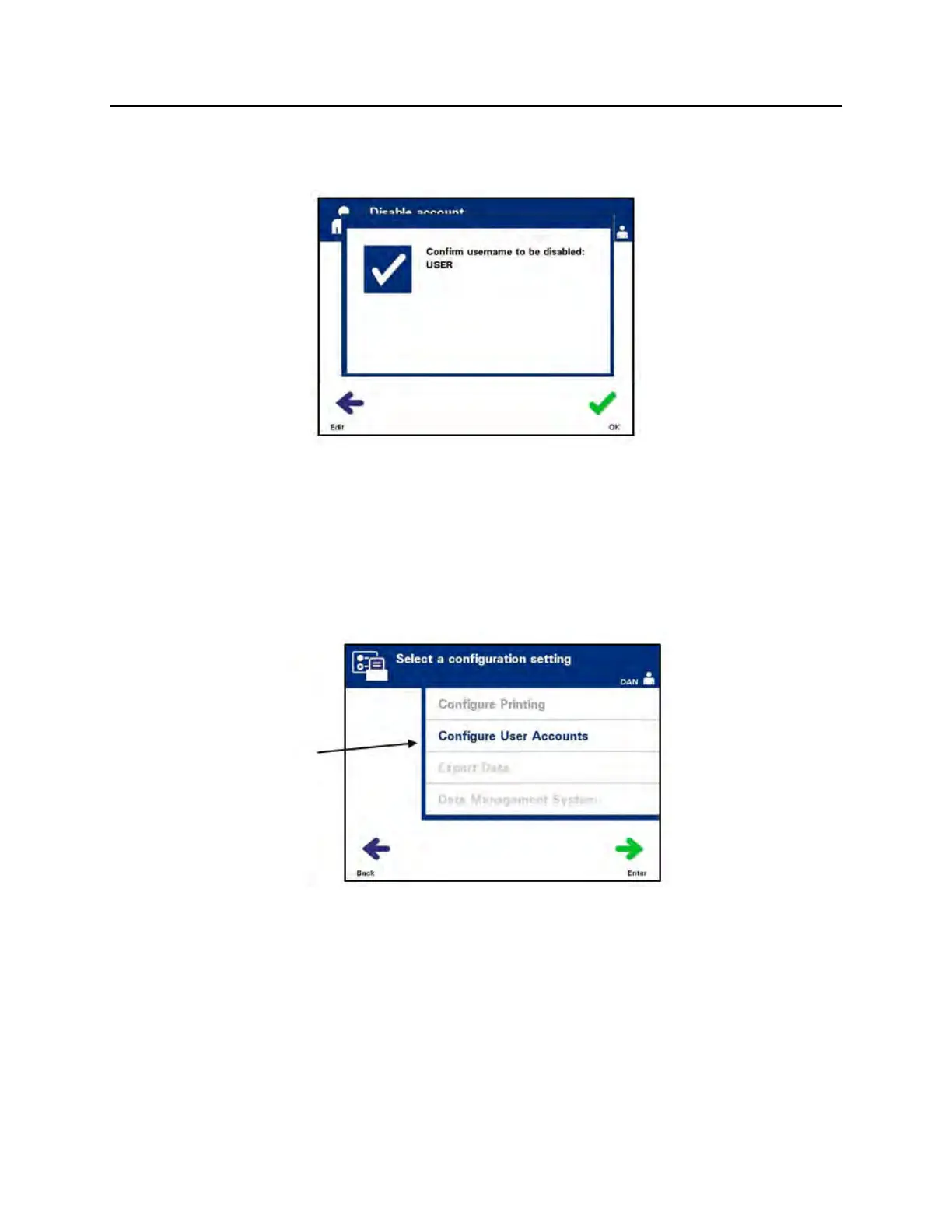
• The ‘Confirm username’ pop-up window will appear if the
username was manually entered. If the manually-entered
username is incorrect, press the ‘Edit’ button and correct it.
• If the manually-entered username is correct, press the ‘OK’
button.
Reset
Password
An Administrator can reset the password for an Operator or
another Administrator. (Use this feature if a password is forgotten.)
• From the ‘Select a configuration setting’ screen, use the arrow
buttons to choose the ‘Configure User Accounts’ option.
• Press the ‘Enter’ button to select the ‘Configure User
Accounts’ option. The ‘Configure user accounts’ screen will
appear.



 To Next Page