Chapter 3 – Illuminator Description
Section 3.4 – Front Panel Description
3-9
Barcode
Scanner
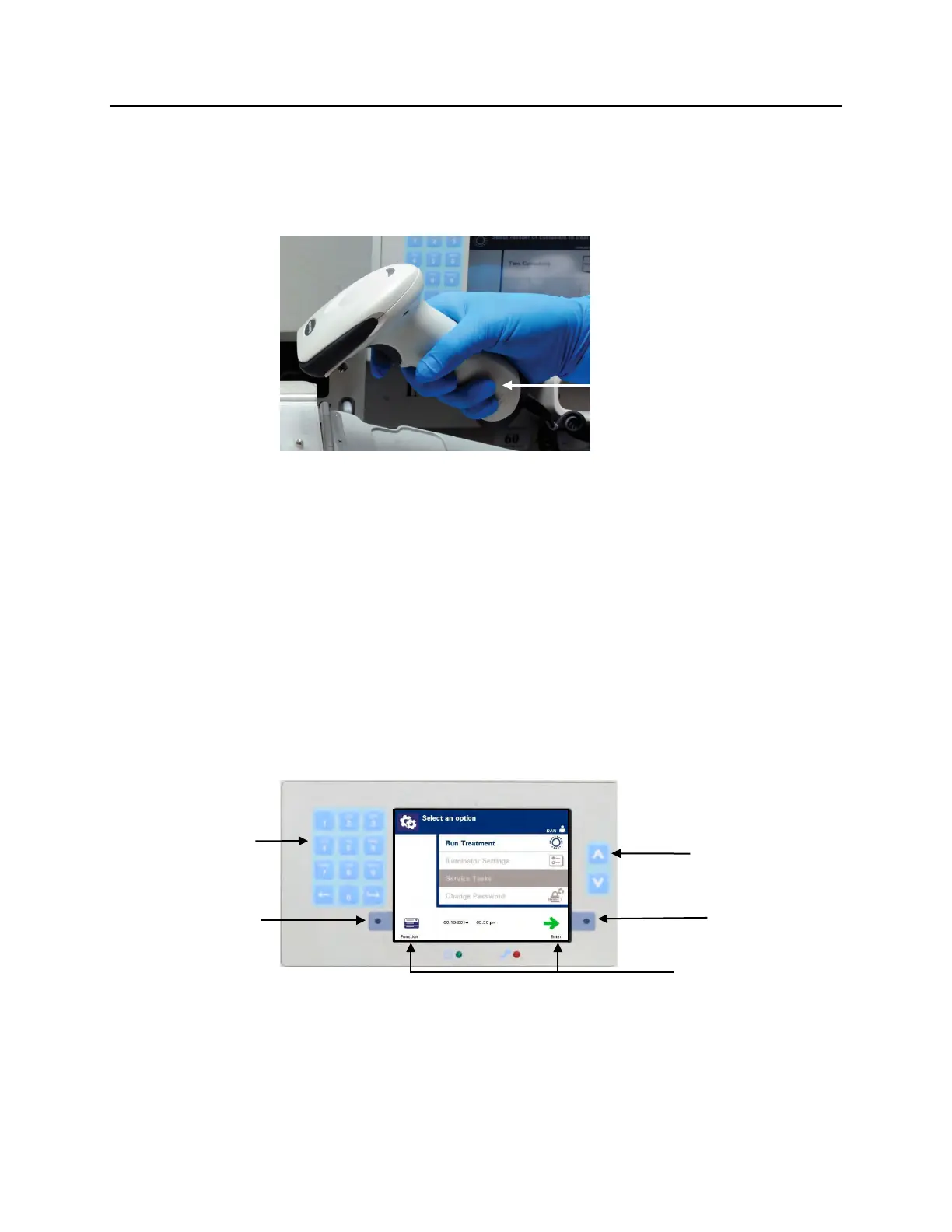
At the front of the illuminator is a barcode scanner. Barcodes are
scanned into the illuminator by pointing the scanner at the
barcode and pressing the trigger.
Barcodes are used to track blood products through the
INTERCEPT Blood System process and can be found on the final
storage container label of the INTERCEPT Processing Set.
The barcode scanner may be used to enter operator identification
into the illuminator and records.
NOTE:
If the operator identification is in Codabar format, the start and
stop characters will be deleted.
The system recognizes Codabar and Code 128 barcode formats.
See Section 3.2 for additional details.
Buttons
Scanner
Button



 To Next Page