Chapter 3 – Illuminator Description
Section 3.4 – Front Panel Description
3-11
NOTE:
Press the function buttons next to the screen symbols.
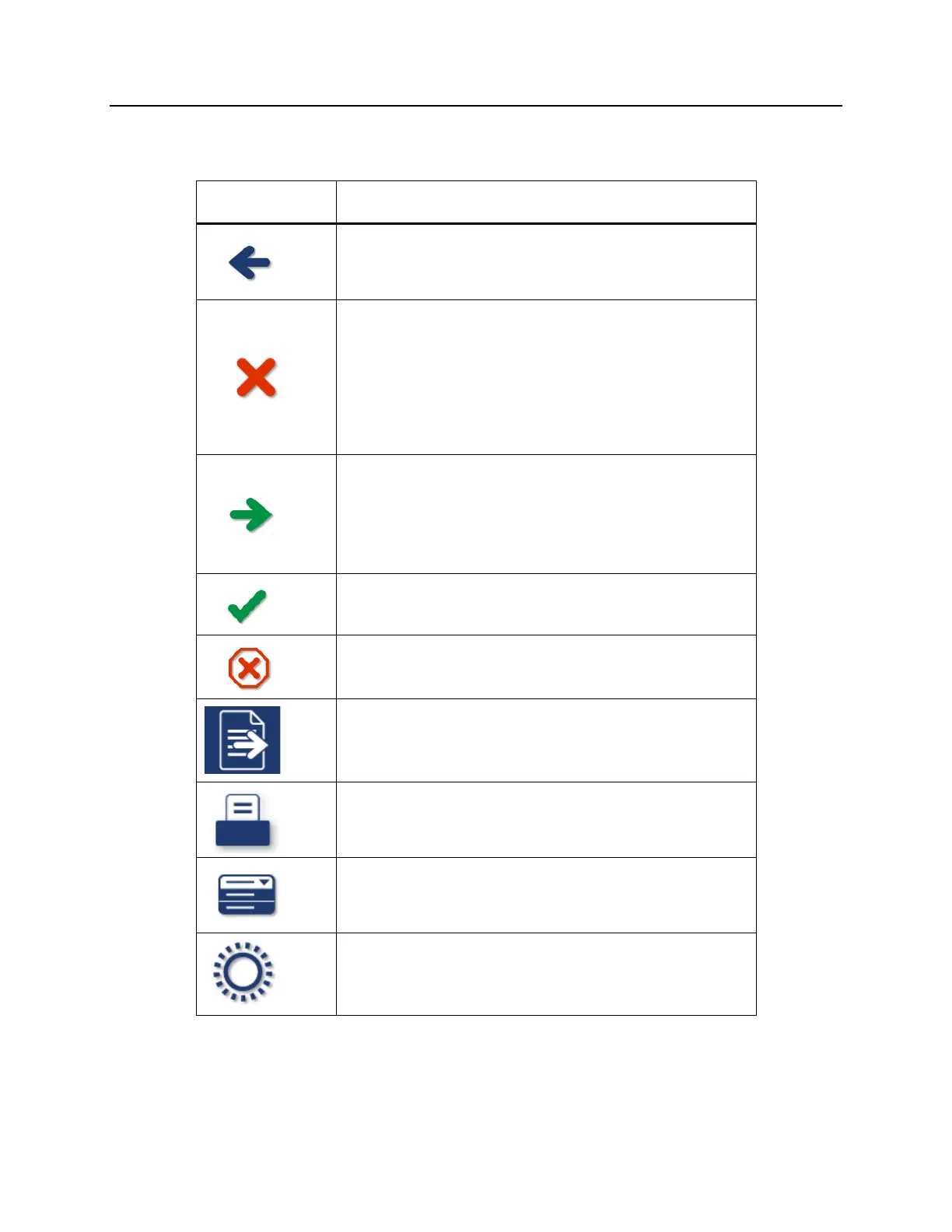
Screen Symbol Labels and Use
Back/Edit
Use this button to return to the previous screen or to
edit information.
Cancel/Cancel treatment
Use this button to:
1. Cancel the illuminator’s current function.
For example, to stop entering the barcode
information and return to the previous screen.
2. Cancel out of the illumination process in an error.
Enter/Continue/Login/Stop Agitator/Start
Use this button to:
1. Enter information on the screen.
2. Continue to the next screen.
3. Stop the agitator after illumination.
OK/Done
Use this button to accept screen information.
Stop
Use this button to stop the illumination process.
Export
Use this button to export the confirmed data.
Print
Use this button to print the confirmed data.
Function
Use this button to directly access the
‘Select a function’ screen.
Treatment
Use this button to directly access the ‘Select number
of containers to treat’ screen.



 To Next Page