Chapter 3 – Illuminator Description
Section 3.4 – Front Panel Description
3-12
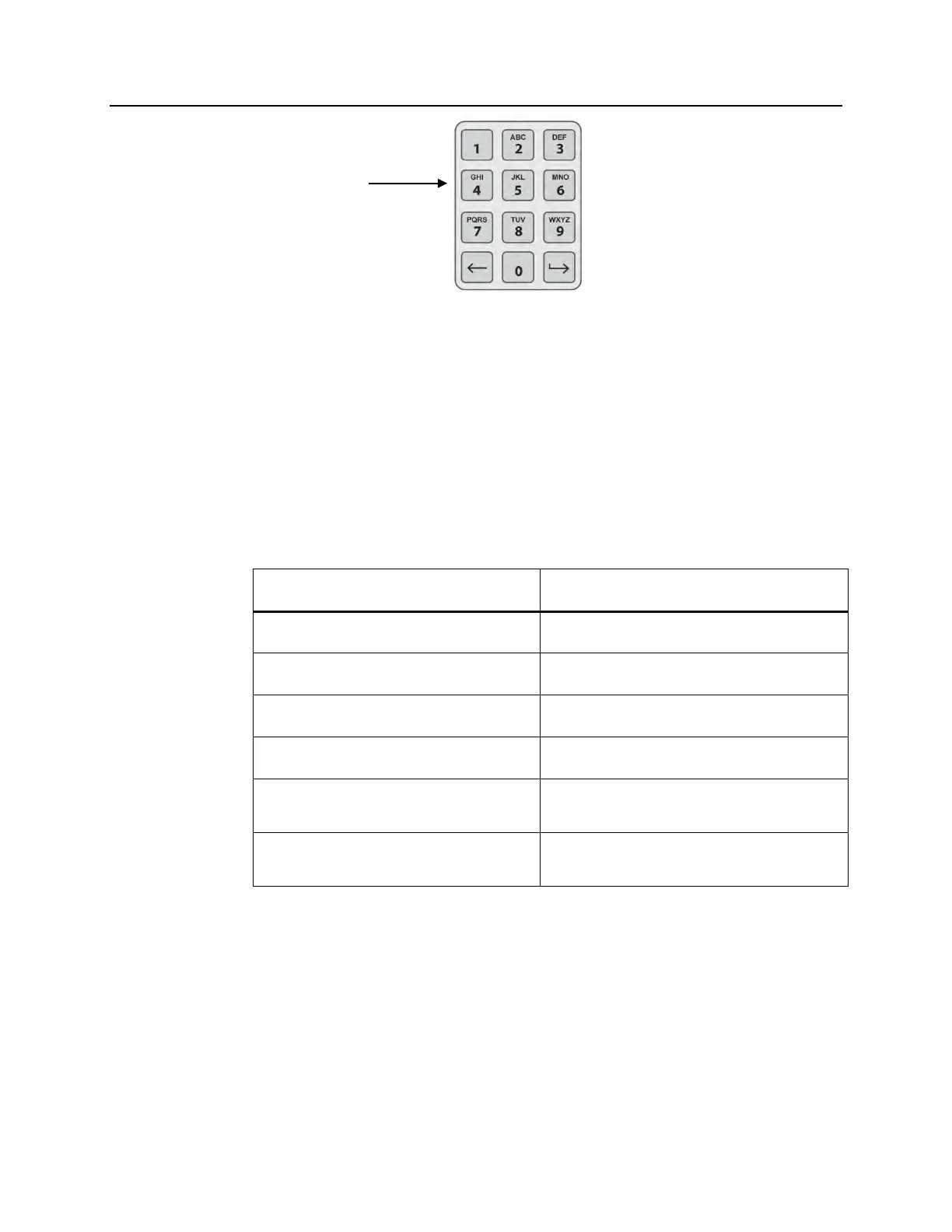
Keypad
Buttons
These buttons are on the left side of the screen. They may be used
to enter information if a barcode cannot be scanned.
NOTE:
If desired, the keypad may be disabled to prevent manual
treatment data entry. Contact your authorized service
representative to disable the keypad.
NOTE:
Only capital letters can be entered via the keypad.
Symbol Needed Number of Times to Press the Button
Number Press once
First Letter Press twice
Second Letter Press three times
Third Letter Press four times
Fourth Letter (on numbers 7 and 9)
or to return to the number.
Press five times
Special Characters
Press ‘1’ to select:
‘-’, ‘+’, ‘*’, ‘$’, ‘.’, ‘/’, ‘:’
NOTE:
If you press the button for a long time, it will NOT continue to scroll
through the number and letters.



 To Next Page