Chapter 3 – Illuminator Description
Section 3.4 – Front Panel Description
3-7
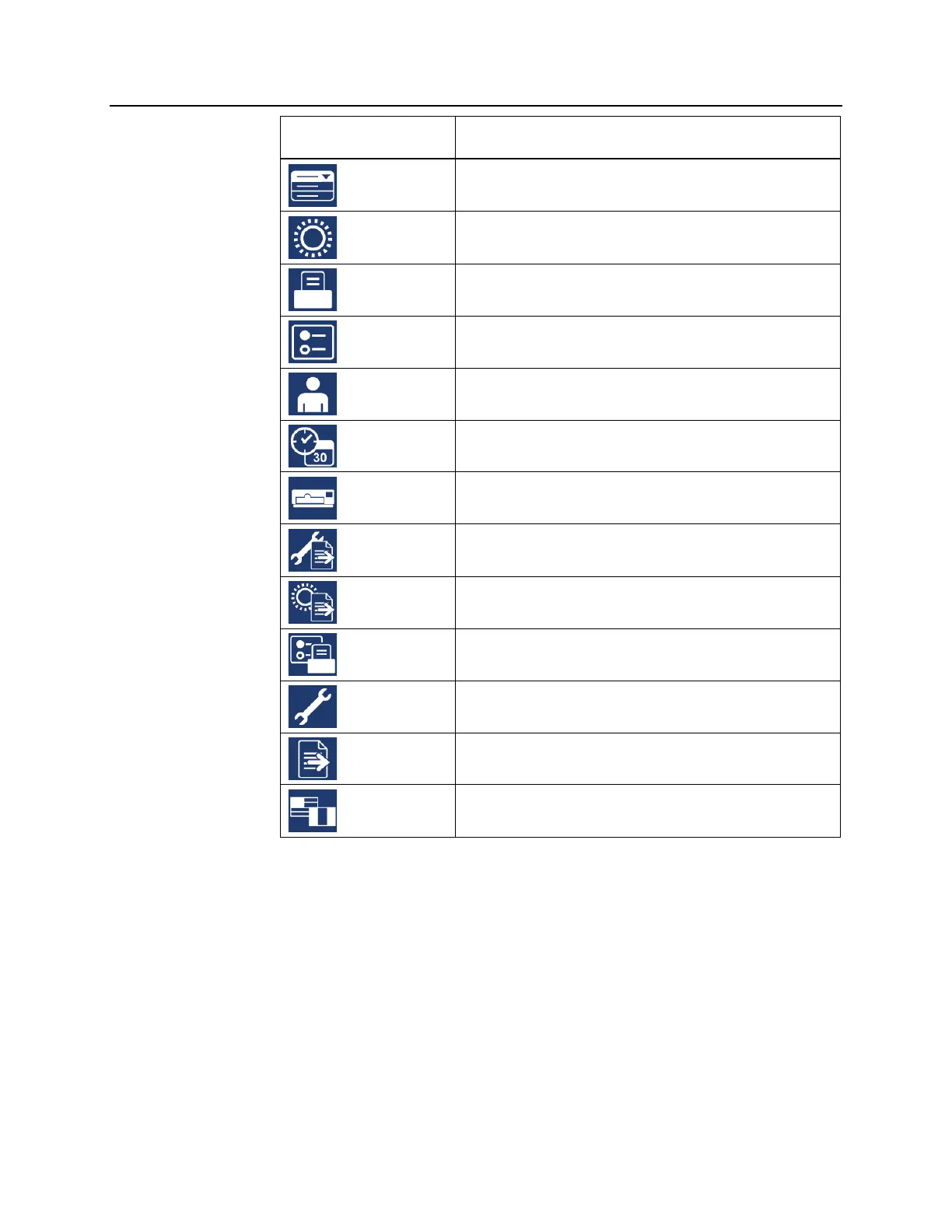
Screen Symbols Function
Function
Illumination
Printing
Illuminator settings
Enter Username/Enter Password
Date/Time
Illuminator Identification
Exporting Service Data
Exporting Treatment Records
Configurations
Service Tasks
Exporting
Languages
Messages appear in the middle of the screen. In addition to routine
operating screens, there are three types of message screens: Error,
Information, and Confirmation. Shown in the table below are
screen symbols and the corresponding message type.



 To Next Page