Chapter 3 – Illuminator Description
Section 3.4 – Front Panel Description
3-6
Section 3.4 Front Panel Description
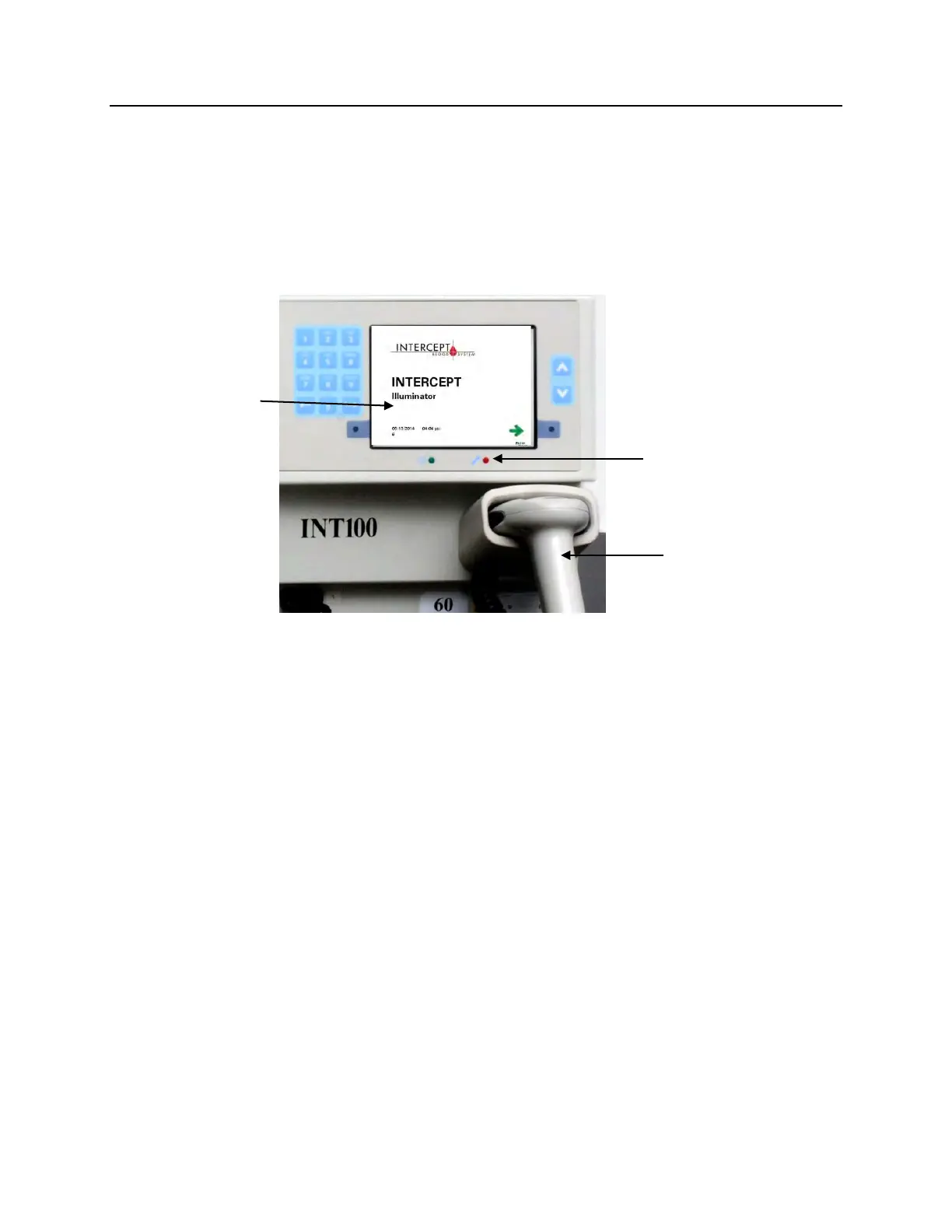
The front panel of the illuminator consists of separate parts as
shown in the picture below. The buttons used to control operation
are on either side of the screen.
Each of these parts is explained below.
Color
Screen
The screen is a liquid crystal display that gives instructions and
other messages. It is not a touch screen. To move between screens
or to select a function, use the buttons on the front panel, next to
the screen.
Screens are organized by functions, with symbols in the upper
left-hand corner to orient the operator to the functions. These
functions and symbols are shown in the table below.



 To Next Page