Chapter 5 – Troubleshooting
Section 5.1 - Introduction
5 - 3
Section 5.1 Introduction
During an INTERCEPT procedure, a “pop-up” message may describe events
ranging from errors to general procedure information.
These are the types of messages that can occur during a procedure:
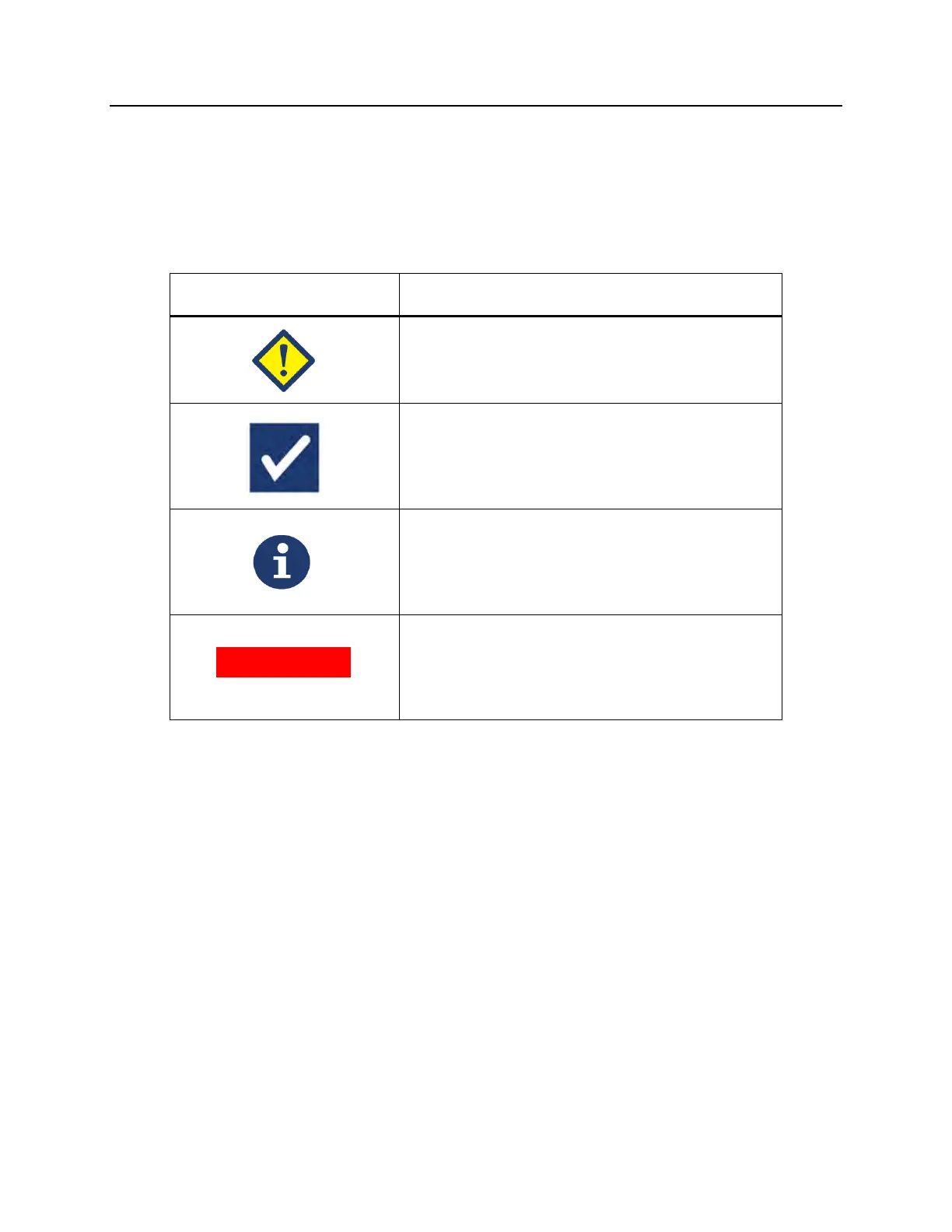
Screen Symbols What the Symbol Means
Error
The error messages will be indicated by a red
bordered pop-up screen and have an
exclamation point in a yellow diamond.
Confirmation
The confirmation messages will be indicated by
a blue bordered pop-up screen containing a
checkmark in a box. These screens are used to
confirm that the entered data is correct.
Information
The information messages will be indicated by a
blue bordered pop-up screen with a lowercase
‘i’ in a circle. These screens indicate what is
currently occurring.
System issue
The system issue message will be indicated by a
red screen with white lettering. These screens
are used to alert the operator of critical issues
with the illuminator.
Each message screen will contain information related to the operation of the
illuminator or an intervention the operator should perform. Follow the directions
on the screen to resolve issues or confirm information. If error messages continue
to occur, contact your authorized service representative for assistance.



 To Next Page