Chapter 2 – How to Use this Manual
Section 2.2 – Symbols
2-7
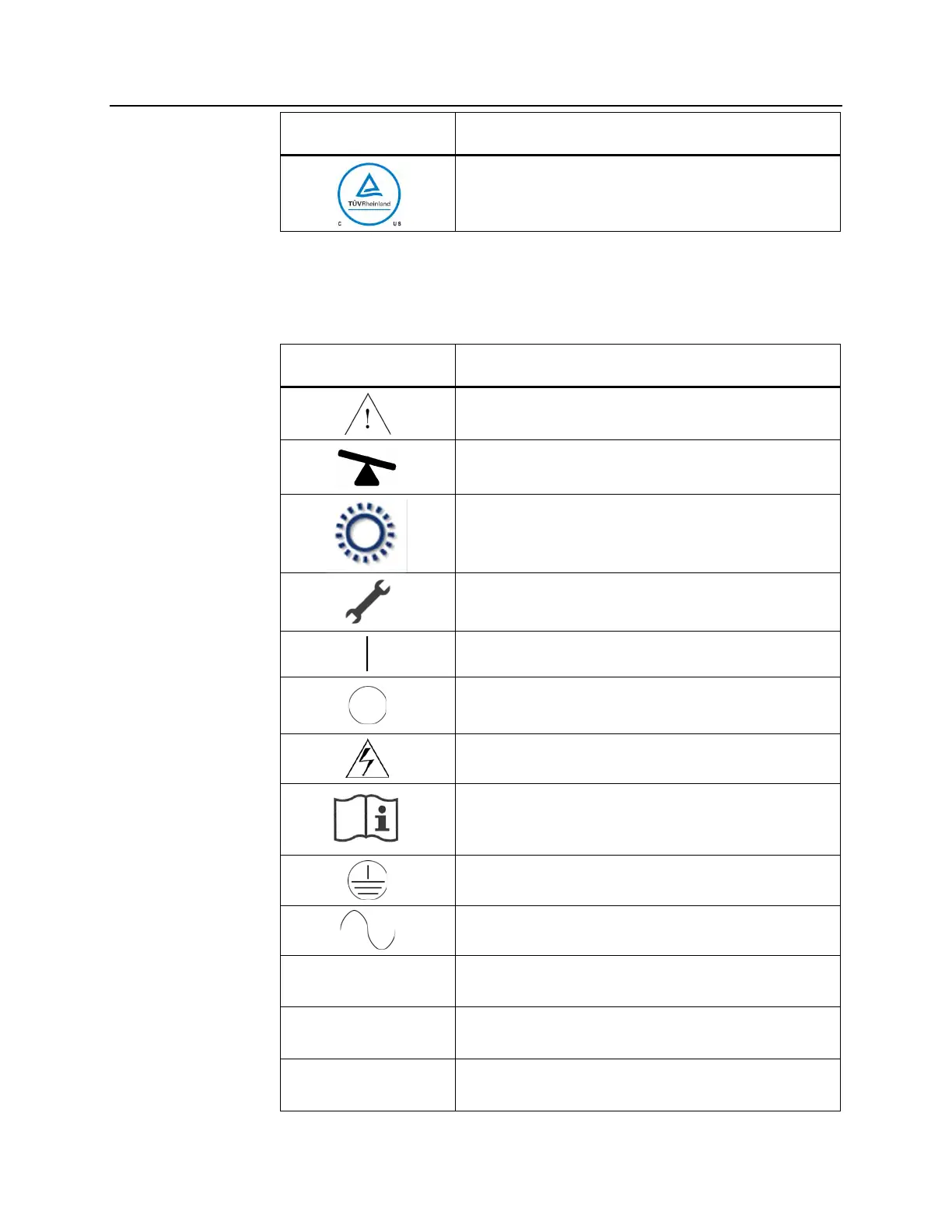
Symbol What the Symbol Means and Instructions
Product Safety Certification reflecting compliance with
electrical safety standards.
Symbols The following symbols are used on the illuminator:
Used on the
Illuminator
Symbol What the Symbol Means
Caution
Tilt – this is the button that tilts the drawer.
Sun - this side of the tray is exposed to light during the
illumination process.
Spanner or wrench - this shows the maintenance light.
When this light is amber, the illuminator requires
maintenance.
Power switch - Power on.
Power switch - Power off.
Caution: High Voltage
Consult Instructions for Use
Ground
Alternating current
1
RS-232 barcode scanner port (front of illuminator)
2
RJ-45 ethernet port (rear of illuminator)
3
RS-232 label printer port (rear of illuminator)



 To Next Page