Configuring a BitLocker Encryption Policy
R81 Harmony Endpoint Server Administration Guide|211
15.
In the main toolbar, click Save rule , and Install the Policy .
Making sure the BitLocker Management policy is installed on the Client
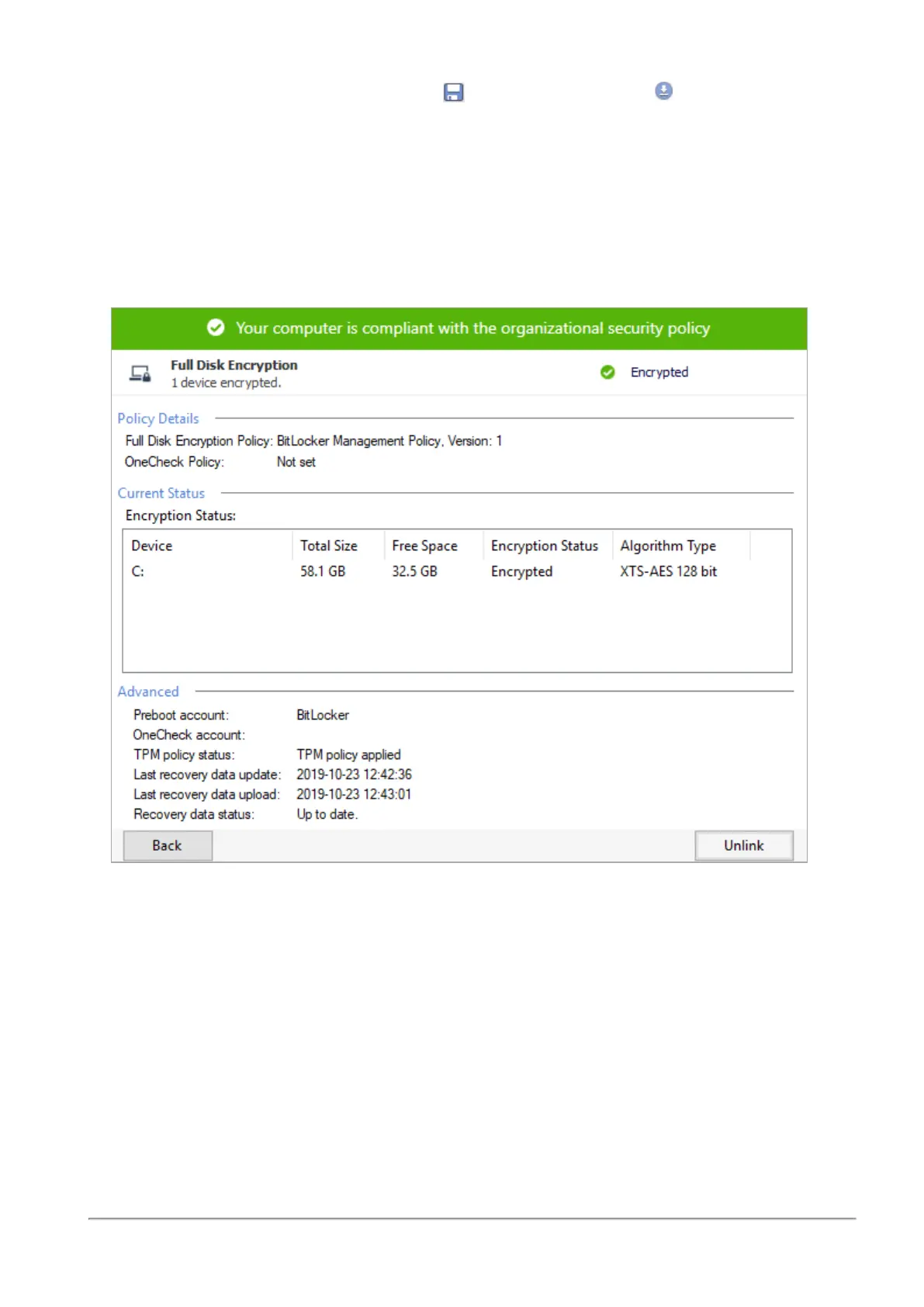
1. On the Windows client computer, in the system tray, right-click the lock icon of
Endpoint Security client.
2. Select Display Overview and open the Full Disk Encryption page.
3. Make sure the Policy Details show the
BitLocker Management Policy
.














 To Next Page