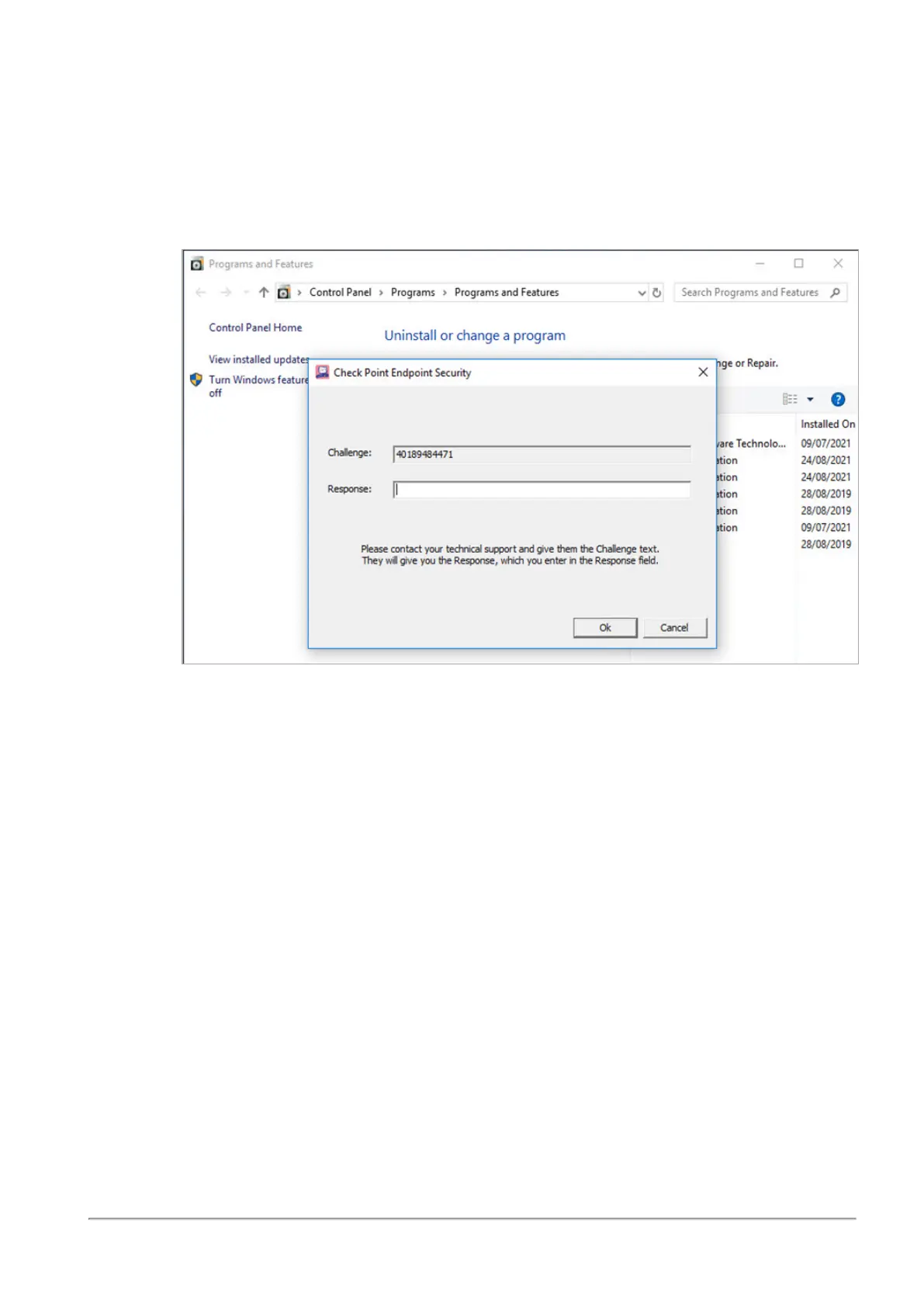
Uninstalling Endpoint Security Using Challenge-Response in Offline Mode
R81 Harmony Endpoint Server Administration Guide|437
a. Start the process of uninstalling the Endpoint Security client. On the Windows
computer, go to the Add or remove programs system setting, select the Endpoint
Security client, and click Uninstall.
A Check Point Endpoint Security challenge-response window opens. The window
has a Challenge field that contains a number with many digits, and a Response
field that is blank.
b. Give the Challenge number to the administrator. This can be by phone, text
message, email, or in some other way
6. In the CHALLENGE FROM USER page of the Endpoint Offline Management Tool, in
the Challenge field, type the number that the user gave you
7. Click Next.
A Response number shows in RESPONSE TO USER page.
8. Give the Response number to the user. This can be by phone, text message, email, or in
some other way
9. Give these instructions to the user:
a. Uninstall the Endpoint Security client. Type the Response number into the Check
Point Endpoint Security Challenge-Response window.
b. Click OK.
The Endpoint Security client is uninstalled.














 To Next Page