Configuring Wireless Networks
Chapter 10: Working with Wireless Networks 297
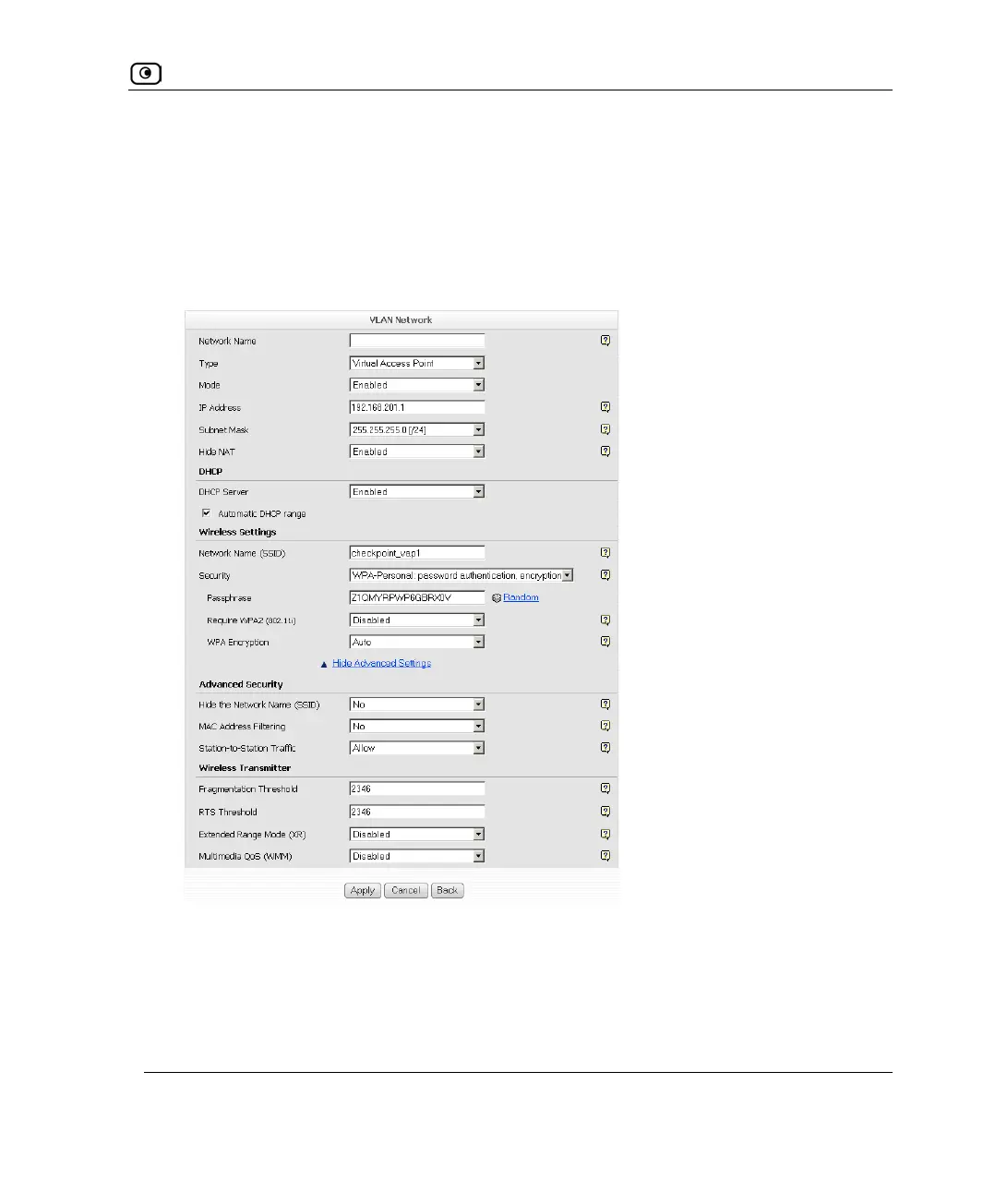
12. Complete the fields using the information in Basic Wireless Settings Fields on
page
284.
13. To configure advanced settings, click Show Advanced Settings and complete
the fields using the information in Advanced Wireless Settings Fields on page
289.
New fields appear.
14. Click Apply.















 To Next Page