Resetting the UTM-1 Appliance to Defaults
Chapter 19: Maintenance 623
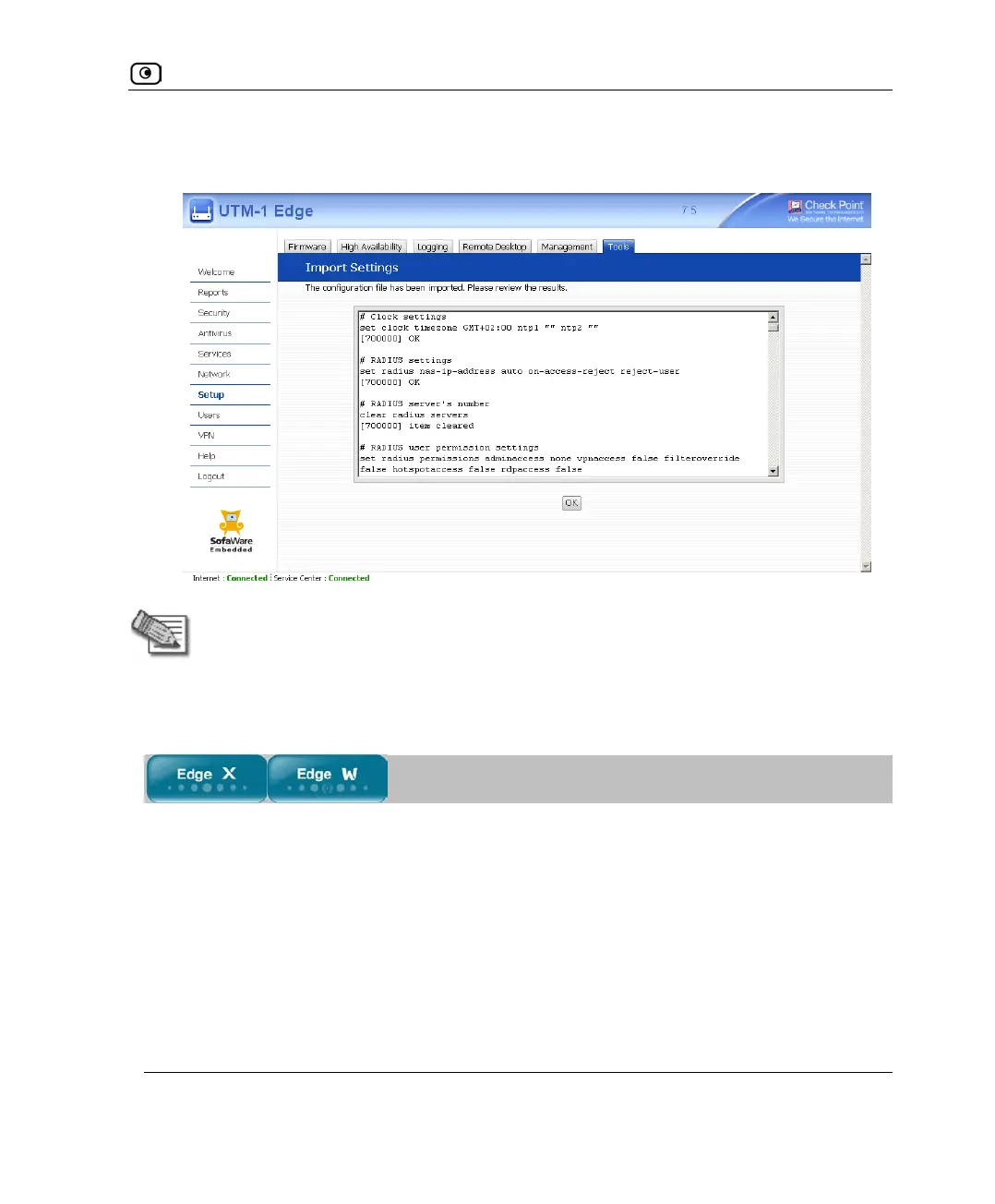
The Import Settings page displays the configuration file's content and the result of
implementing each configuration command.
Note: If the appliance's IP address changed as a result of the configuration import,
your computer may be disconnected from the network; therefore you may not be
able to see the results.
Resetting the UTM-1 Appliance to Defaults
You can reset the UTM-1 appliance to its default settings. When you reset your UTM-1
appliance, it reverts to the state it was originally in when you purchased it.















 To Next Page