Rebooting the UTM-1 Appliance
Chapter 19: Maintenance 627
b. Click Save.
The Save As dialog box appears.
c. Browse to a destination directory of your choice.
d. Type a name for the configuration file and click Save.
The *.html file is created and saved to the specified directory.
4. To refresh the contents of the window, click Refresh.
The contents are refreshed.
5. To close the window, click Close.
Rebooting the UTM-1 Appliance
If your UTM-1 appliance is not functioning properly, rebooting it may solve the problem.
To reboot the UTM-1 appliance
1. Click Setup in the main menu, and click the Firmware tab.
The Firmware page appears.
2. Click Restart.
A confirmation message appears.
3. Click OK.
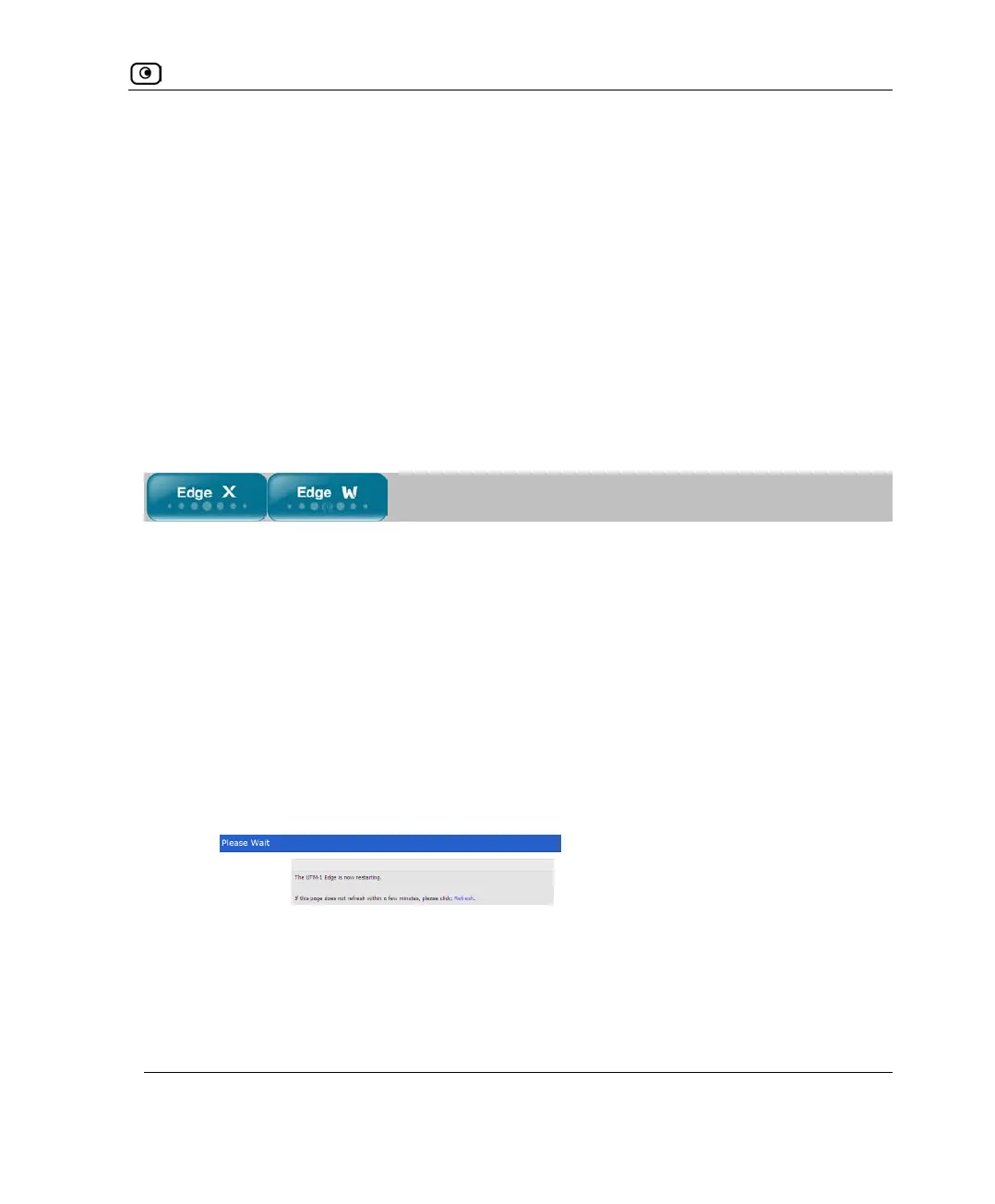
• The Please Wait screen appears.
• The UTM-1 appliance is restarted.
This may take a few minutes.
• The Login page appears.















 To Next Page