Viewing Computers
312 Check Point UTM-1 Edge User Guide
Viewing Computers
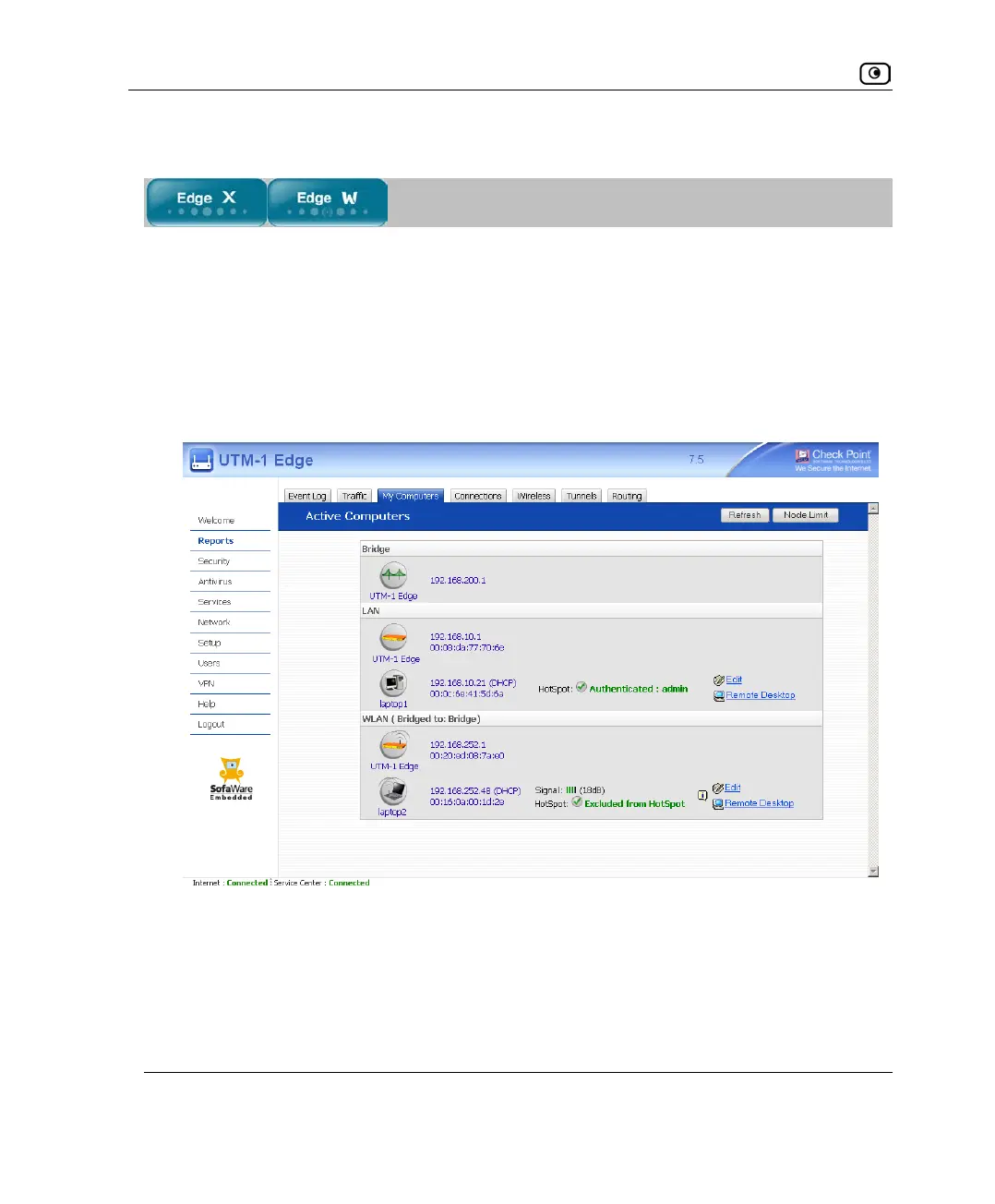
This option allows you to view the currently active computers on your network. The
computers are graphically displayed, each with its name, IP address, and settings (DHCP,
Static, etc.). You can also view node limit information.
To view the computers
1. Click Reports in the main menu, and click the My Computers tab.
The My Computers page appears.
If you configured High Availability, both the master and backup appliances are
shown. If you configured OfficeMode, the OfficeMode network is shown.
If there are wireless networks, the wireless stations are shown under the network to
which they are connected. For information on viewing statistics for these computers,
see Viewing Wireless Statistics on page
316. If a wireless station has been blocked















 To Next Page