Setting the Time on the Appliance
602 Check Point UTM-1 Edge User Guide
Setting the Time on the Appliance
You set the time displayed in the UTM-1 Portal during initial appliance setup. If desired,
you can change the date and time using the procedure below.
To set the time
1. Click Setup in the main menu, and click the Tools tab.
The Tools page appears.
2. Click Set Time.
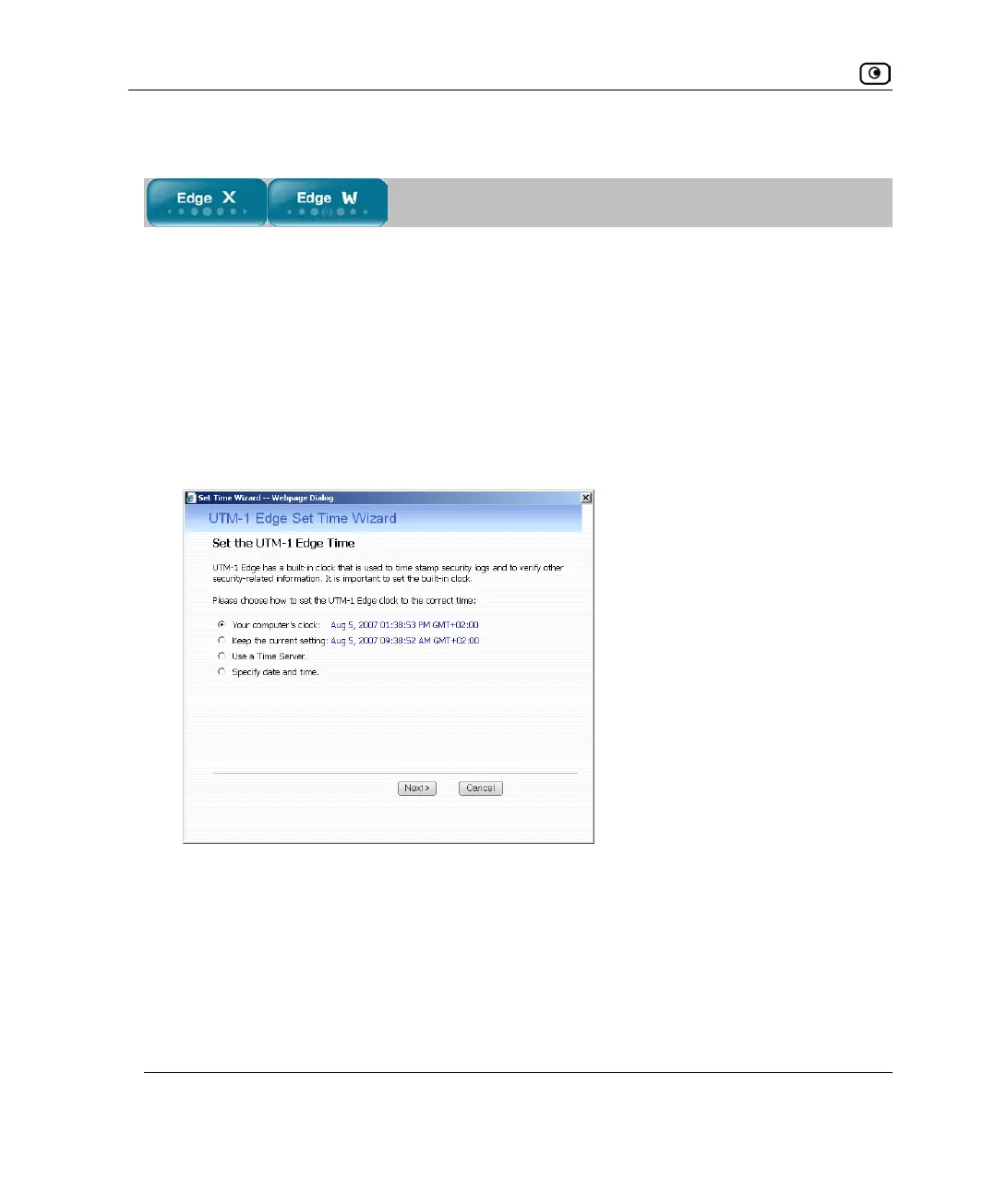
The UTM-1 Set Time Wizard opens displaying the Set the UTM-1 Time dialog box.
3. Complete the fields using the information in Set Time Wizard Fields on page
604.
4. Click Next.















 To Next Page