Adding and Editing Users
546 Check Point UTM-1 Edge User Guide
Adding and Editing Users
This procedure explains how to add and edit users.
For information on quickly adding guest HotSpot users via a shortcut that the UTM-1
appliance provides, see Adding Quick Guest HotSpot Users on page
550.
To add or edit a user
1. Click Users in the main menu, and click the Internal Users tab.
The Internal Users page appears.
2. Do one of the following:
• To create a new user, click New User.
• To edit an existing user, click Edit next to the desired user.
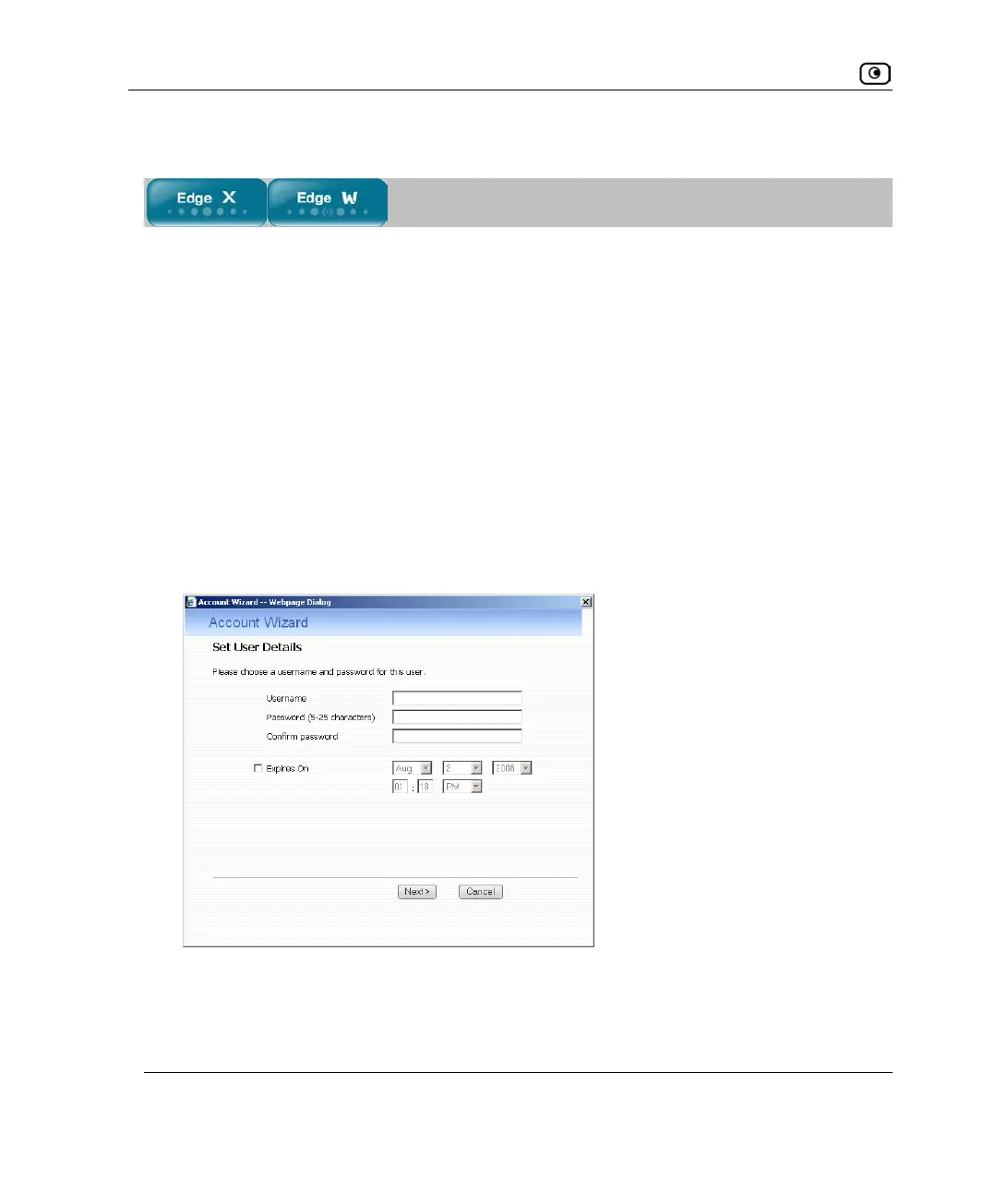
The Account Wizard opens displaying the Set User Details dialog box.
3. Complete the fields using the information in Set User Details Fields on page
547.
4. Click Next.















 To Next Page