Adding and Editing Users
Chapter 17: Managing Users 547
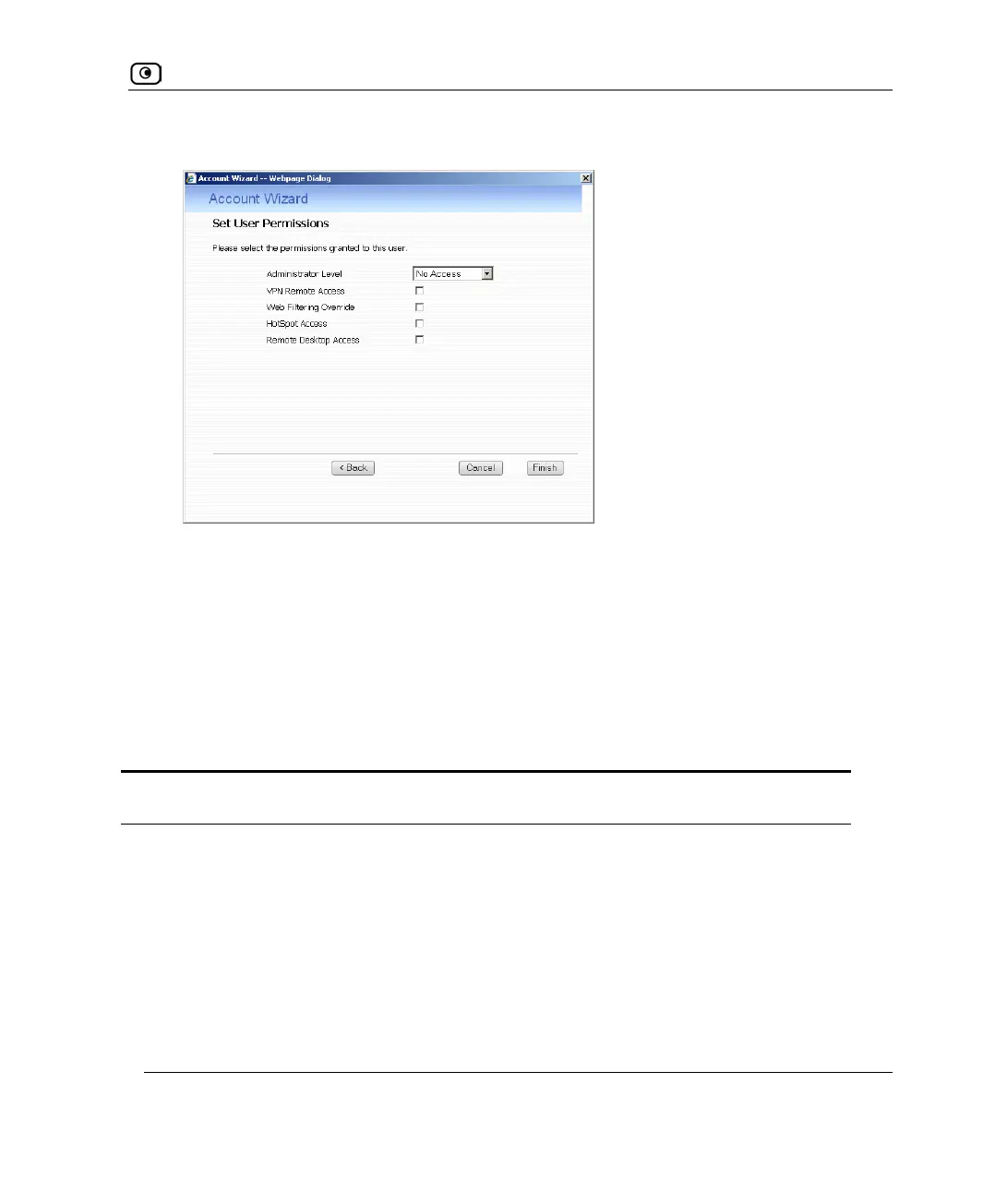
The Set User Permissions dialog box appears.
The options that appear on the page are dependant on the software and services you
are using.
5. Complete the fields using the information in Set User Permissions Fields on
page
548.
6. Click Finish.
The user is saved.
Table 113: Set User Details Fields
In this field… Do this…
Username Enter a username for the user.
Password Enter a password for the user. Use five to 25 characters (letters or
numbers) for the new password.
Confirm Password Re-enter the user’s password.















 To Next Page