Viewing ADSL Statistics
320 Check Point UTM-1 Edge User Guide
This field… Displays…
XR Indicates whether the wireless client supports Extended Range (XR) mode.
Possible values are:
• yes. The wireless client supports XR mode.
• no. The wireless client does not support XR mode.
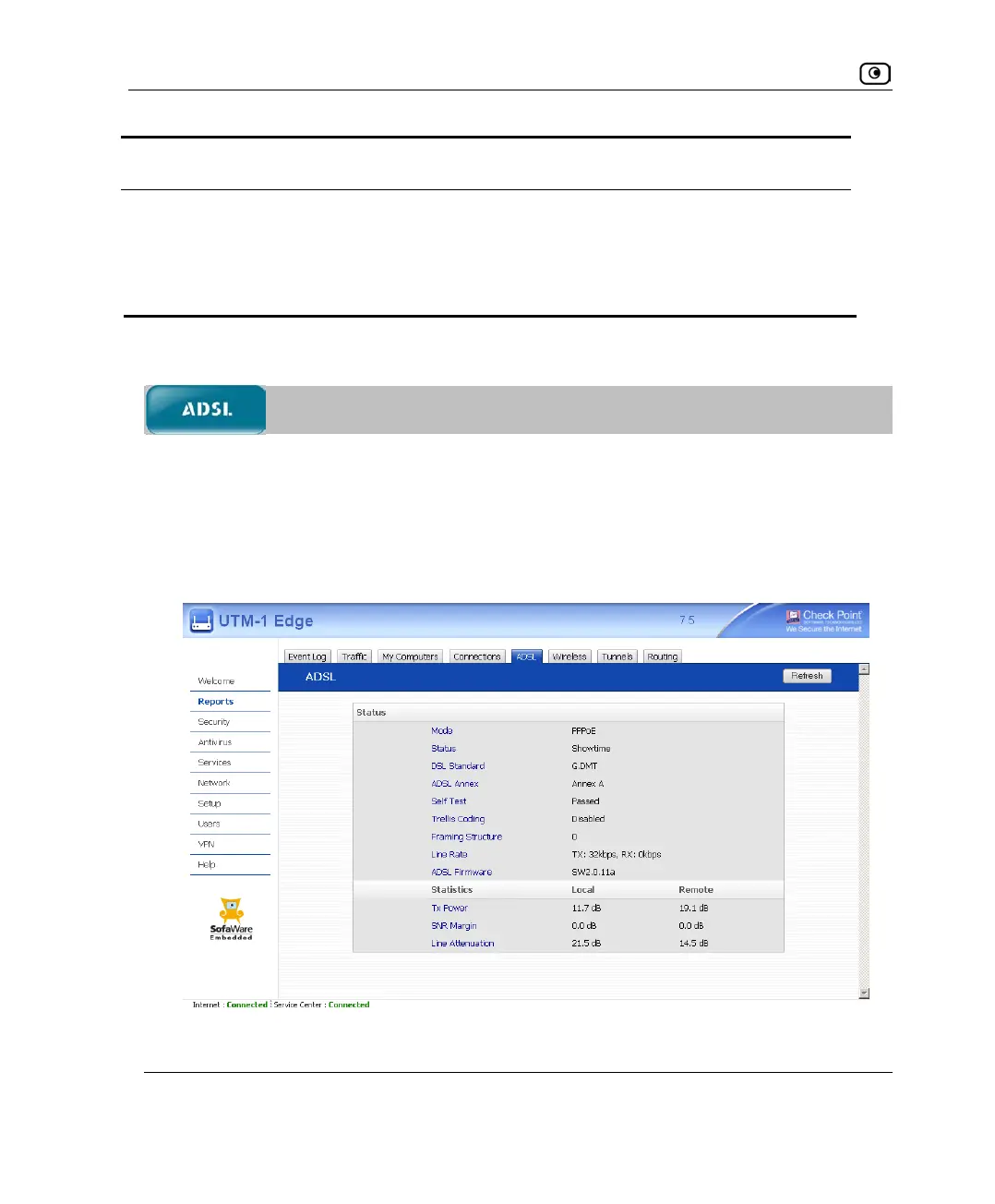
Viewing ADSL Statistics
If you are using an ADSL model, you can view statistics for the ADSL connection.
To view ADSL statistics
1. Click Reports in the main menu, and click the ADSL tab.
The ADSL page appears.
The page displays the information in the following table.















 To Next Page