Configuring Remote Desktop
Chapter 18: Using Remote Desktop 567
Configuring Remote Desktop
To configure Remote Desktop
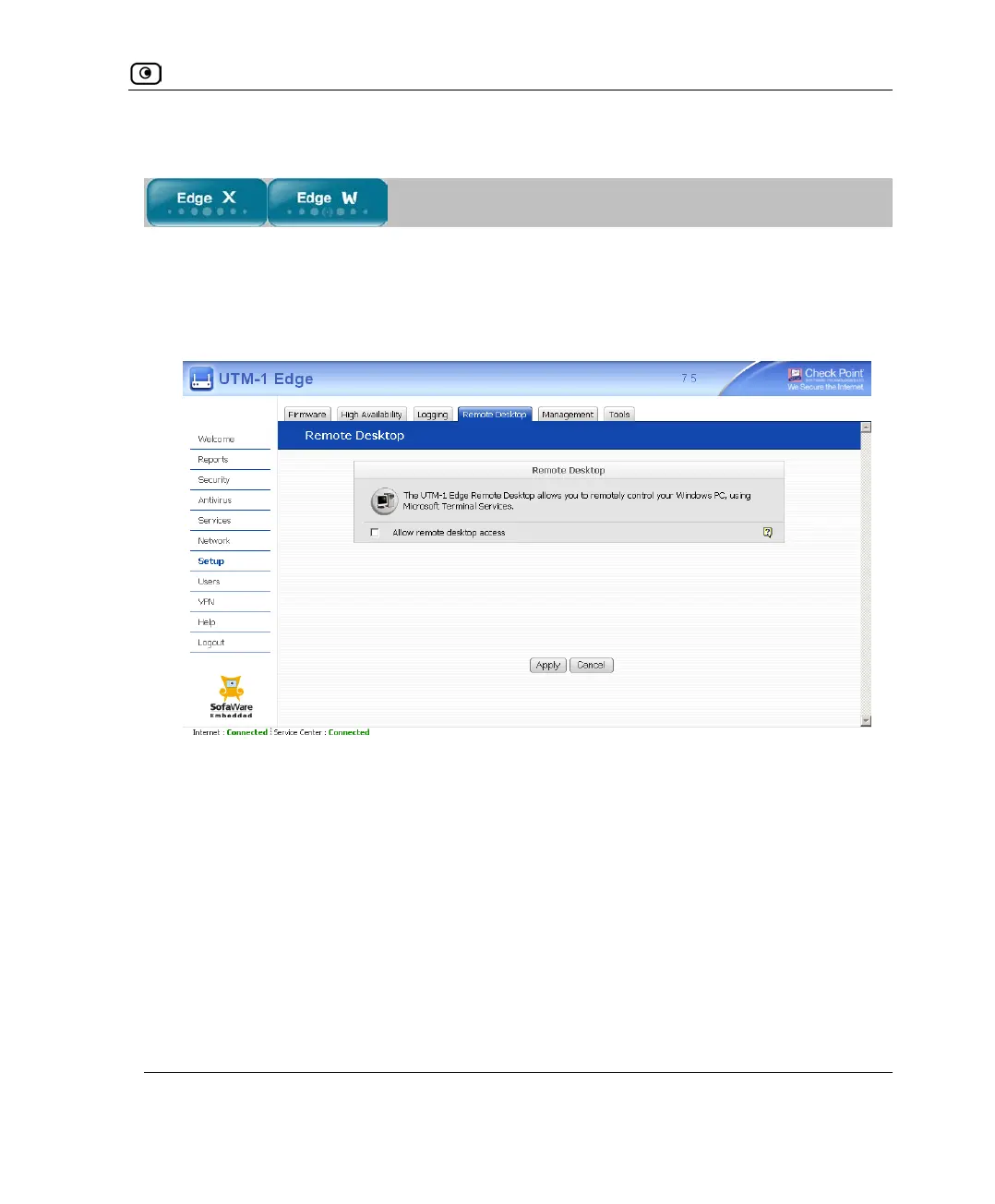
1. Click Setup in the main menu, and click the Remote Desktop tab.
The Remote Desktop page appears.
2. Do one of the following:
• To enable Remote Desktop, select the Allow remote desktop access check
box.















 To Next Page