Enabling/Disabling VStream Antivirus
428 Check Point UTM-1 Edge User Guide
Enabling/Disabling VStream Antivirus
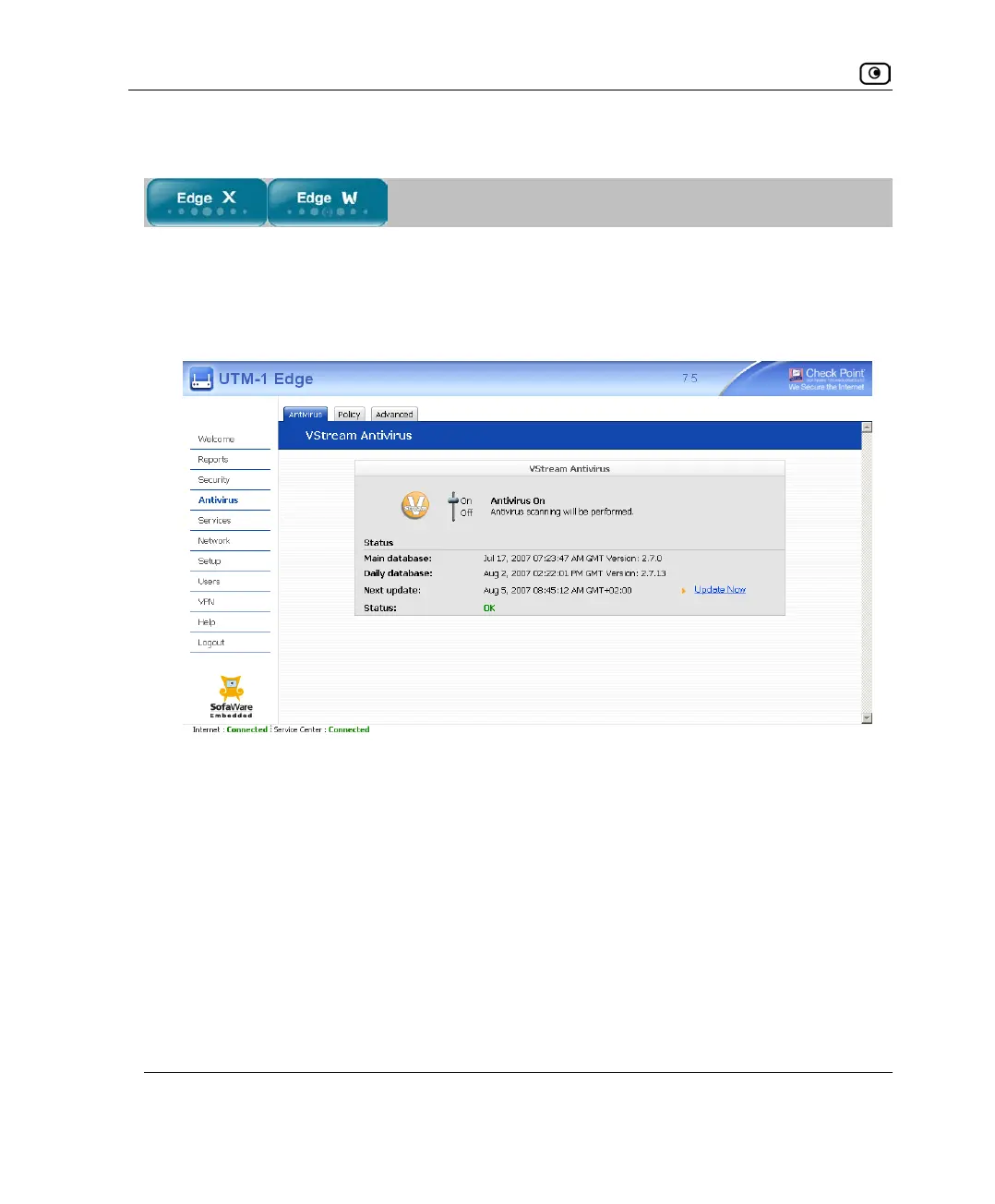
To enable/disable VStream Antivirus
1. Click Antivirus in the main menu, and click the Antivirus tab.
The VStream Antivirus page appears.
2. Drag the On/Off lever upwards or downwards.
VStream Antivirus is enabled/disabled for all internal network computers.















 To Next Page