Initial Login to the UTM-1 Portal
88 Check Point UTM-1 Edge User Guide
2. Type a password both in the Password and the Confirm password fields.
Note: The password must be five to 25 characters (letters or numbers).
Note: You can change your username and password at any time. For further
information, see Changing Your Password on page
543.
3. Click OK.
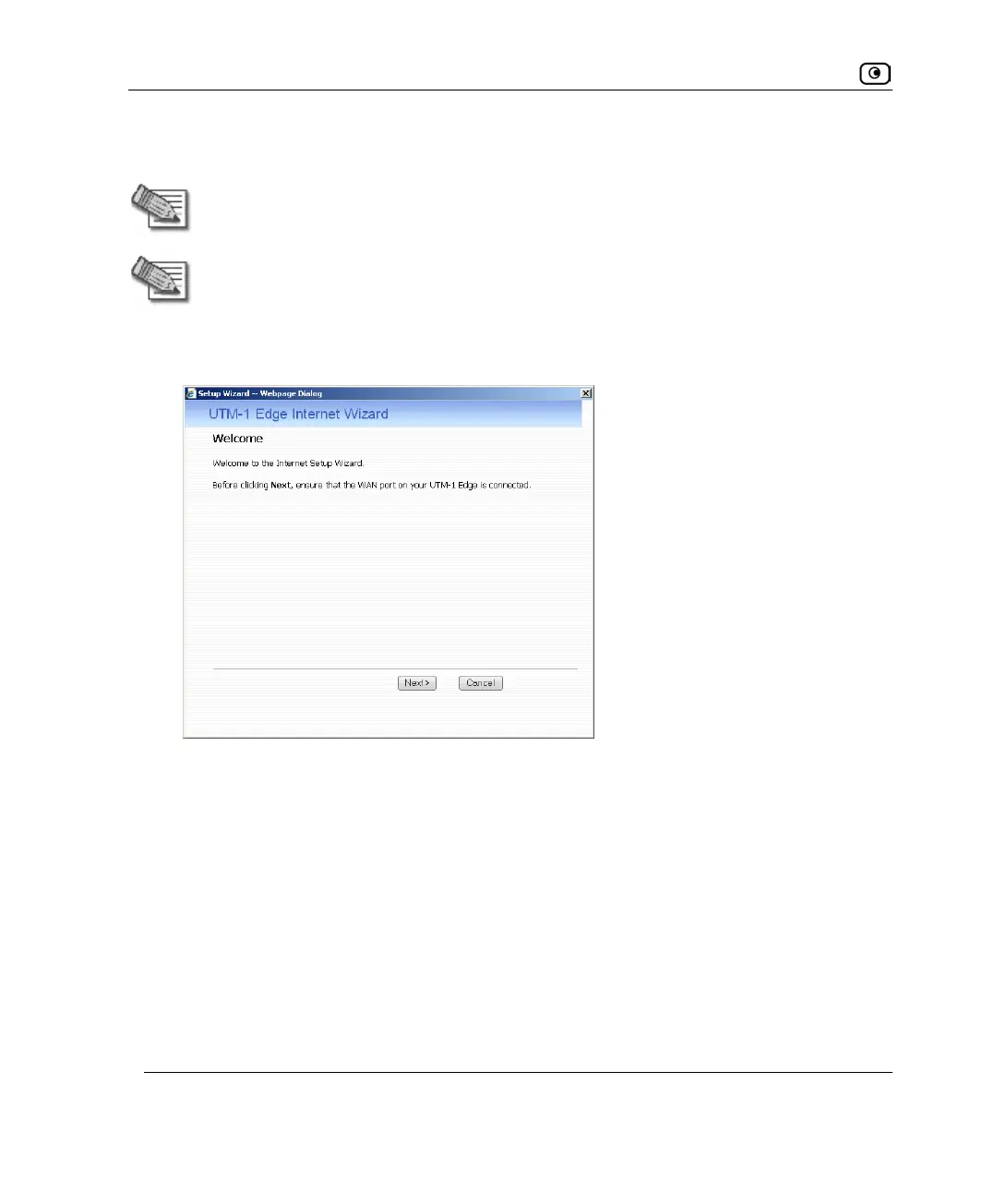
The UTM-1 Setup Wizard opens, with the Welcome page displayed.
4. Configure your Internet connection using one of the following ways:
• Internet Wizard
The Internet Wizard is the first part of the Setup Wizard, and it takes you through
basic Internet connection setup, step by step. For information on using the
Internet Wizard, see Using the Internet Wizard on page
98.
After you have completed the Internet Wizard, the Setup Wizard continues to
guide you through appliance setup. For more information, see Setting Up the
UTM-1 Appliance on page
83.















 To Next Page