Viewing Connections
314 Check Point UTM-1 Edge User Guide
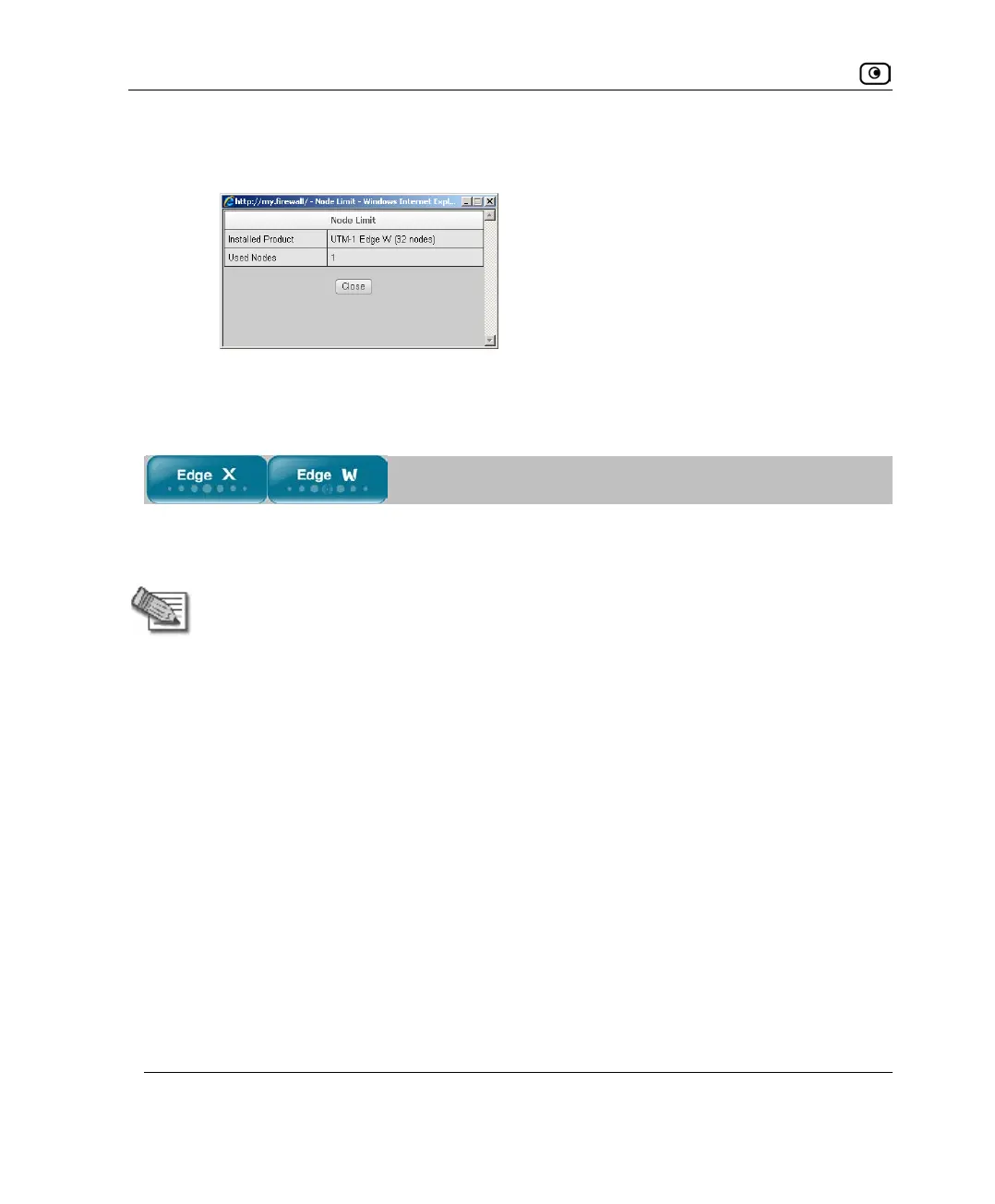
The Node Limit window appears with installed software product and the number
of nodes used.
b. Click Close to close the window.
Viewing Connections
This option allows you to view currently active connections between your networks, as
well as those from your networks to the Internet.
Note: The report does not display connections between bridged networks, where
Firewall Between Members is disabled.
To view the active connections
1. Click Reports in the main menu, and click the Connections tab.















 To Next Page