Accessing a Remote Computer's Desktop
Chapter 18: Using Remote Desktop 573
Accessing a Remote Computer's Desktop
Note: The client computer must meet the following requirements:
• Microsoft Internet Explorer 6.0 or later
• A working Internet connection
To access a remote computer's desktop
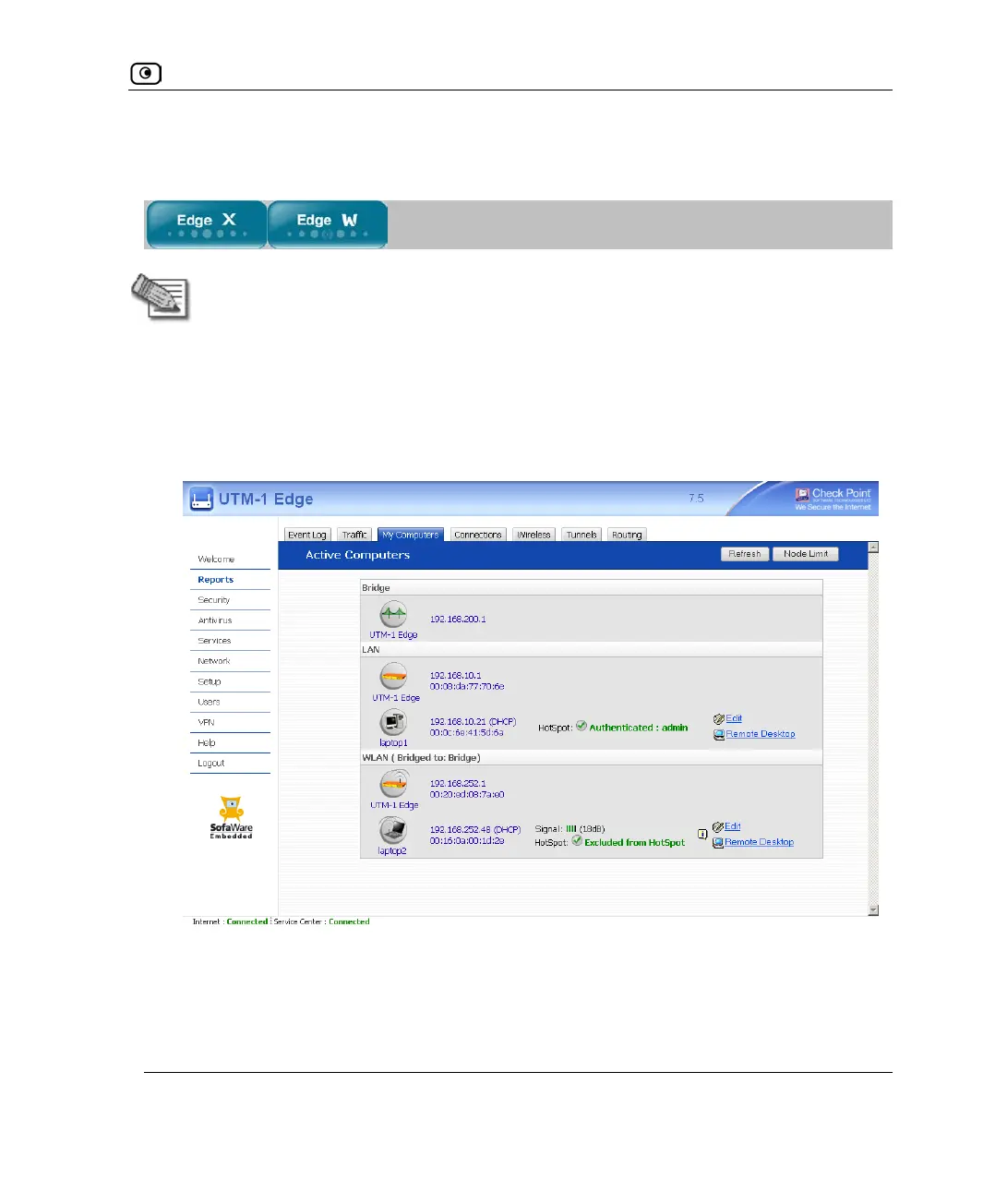
1. Click Reports in the main menu, and click the My Computers tab.
The My Computers page appears.
2. Next to the desired computer, click Remote Desktop.
The following things happen:















 To Next Page