Configuring the Host Computer
572 Check Point UTM-1 Edge User Guide
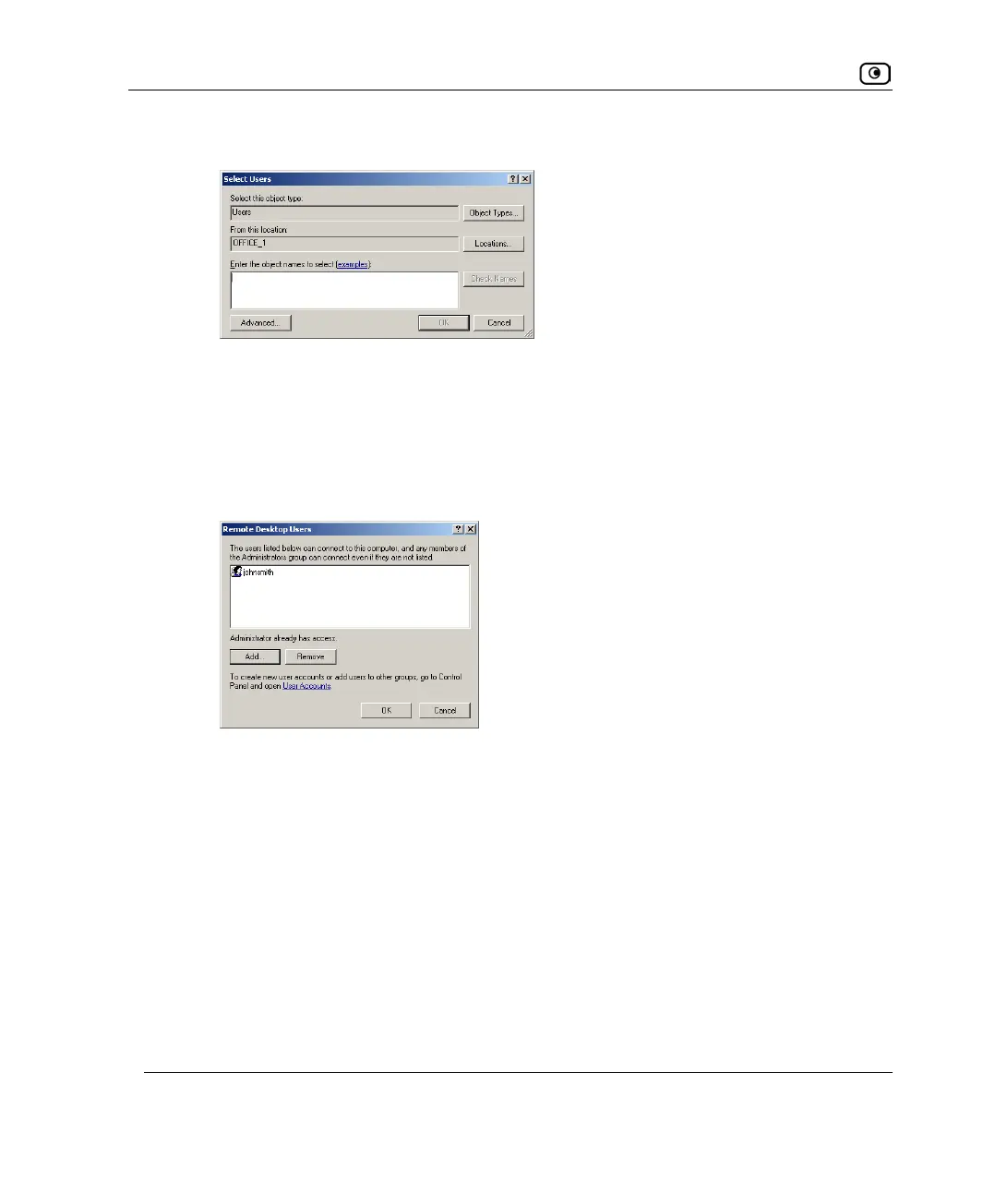
The Select Users dialog box appears.
b. Type the desired user's username in the text box.
The Check Names button is enabled.
c. Click Check Names.
d. Click OK.
The Remote Desktop Users dialog box reappears with the desired user's username.
8. Click OK.
9. Click OK.















 To Next Page