Configuring HTTPS
592 Check Point UTM-1 Edge User Guide
Configuring HTTPS
You can enable UTM-1 appliance users to access the UTM-1 Portal from the Internet. To
do so, you must first configure HTTPS.
Note: Configuring HTTPS is equivalent to creating a simple Allow rule, where the
destination is This Gateway. To create more complex rules for HTTPS, such as
allowing HTTPS connections from multiple IP address ranges, define Allow rules for
TCP port 443, with the destination This Gateway. For information, see Using Rules
on page
334.
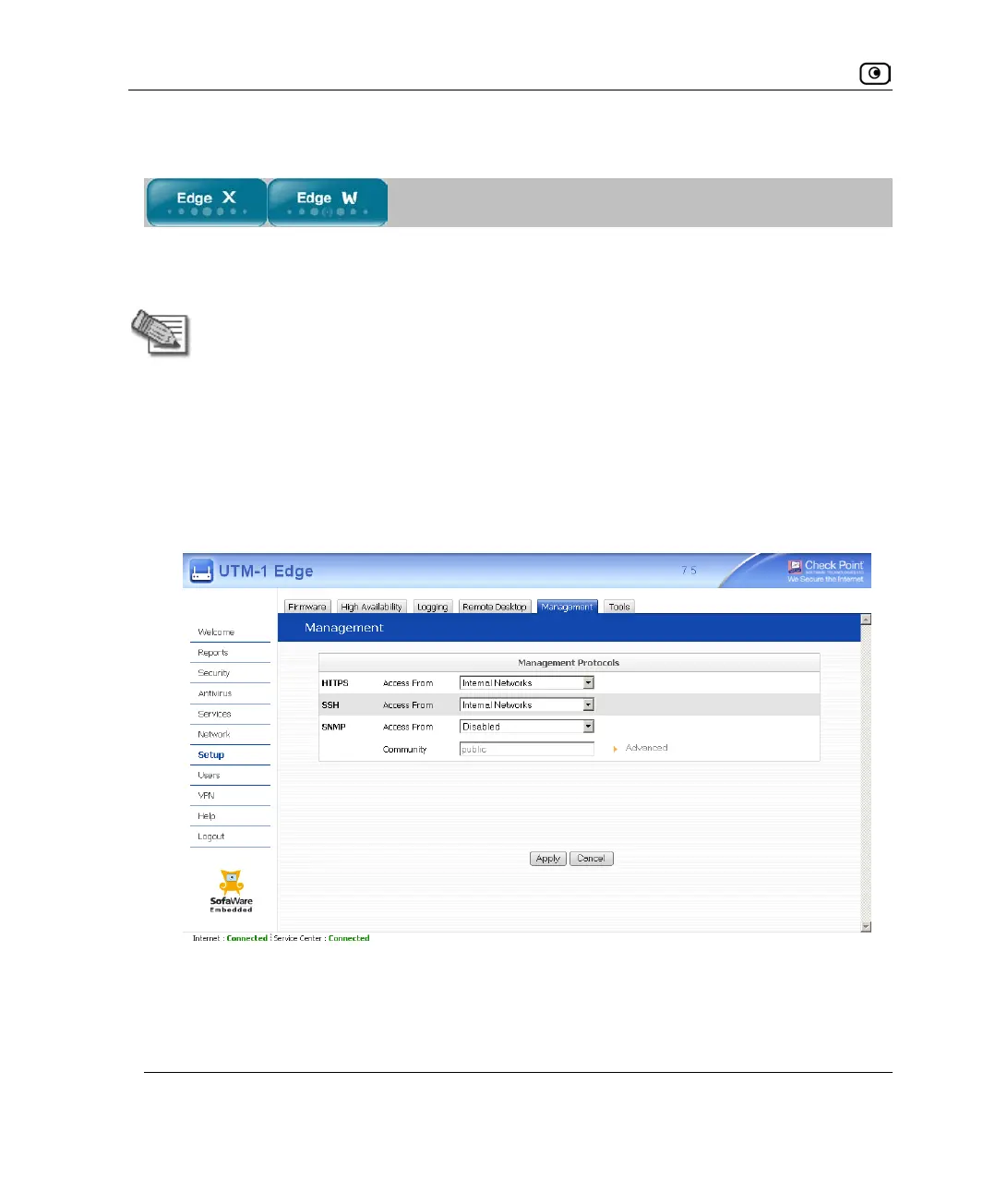
To configure HTTPS
1. Click Setup in the main menu, and click the Management tab.
The Management page appears.
2. Specify from where HTTPS access to the UTM-1 Portal should be granted.
See Access Options on page
594 for information.















 To Next Page