Configuring HTTPS
Chapter 19: Maintenance 593
Warning: If remote HTTPS is enabled, your UTM-1 appliance settings can be
changed remotely, so it is especially important to make sure all UTM-1 appliance
users’ passwords are difficult to guess.
Note: You can use HTTPS to access the UTM-1 Portal from your internal network,
by surfing to https://my.firewall.
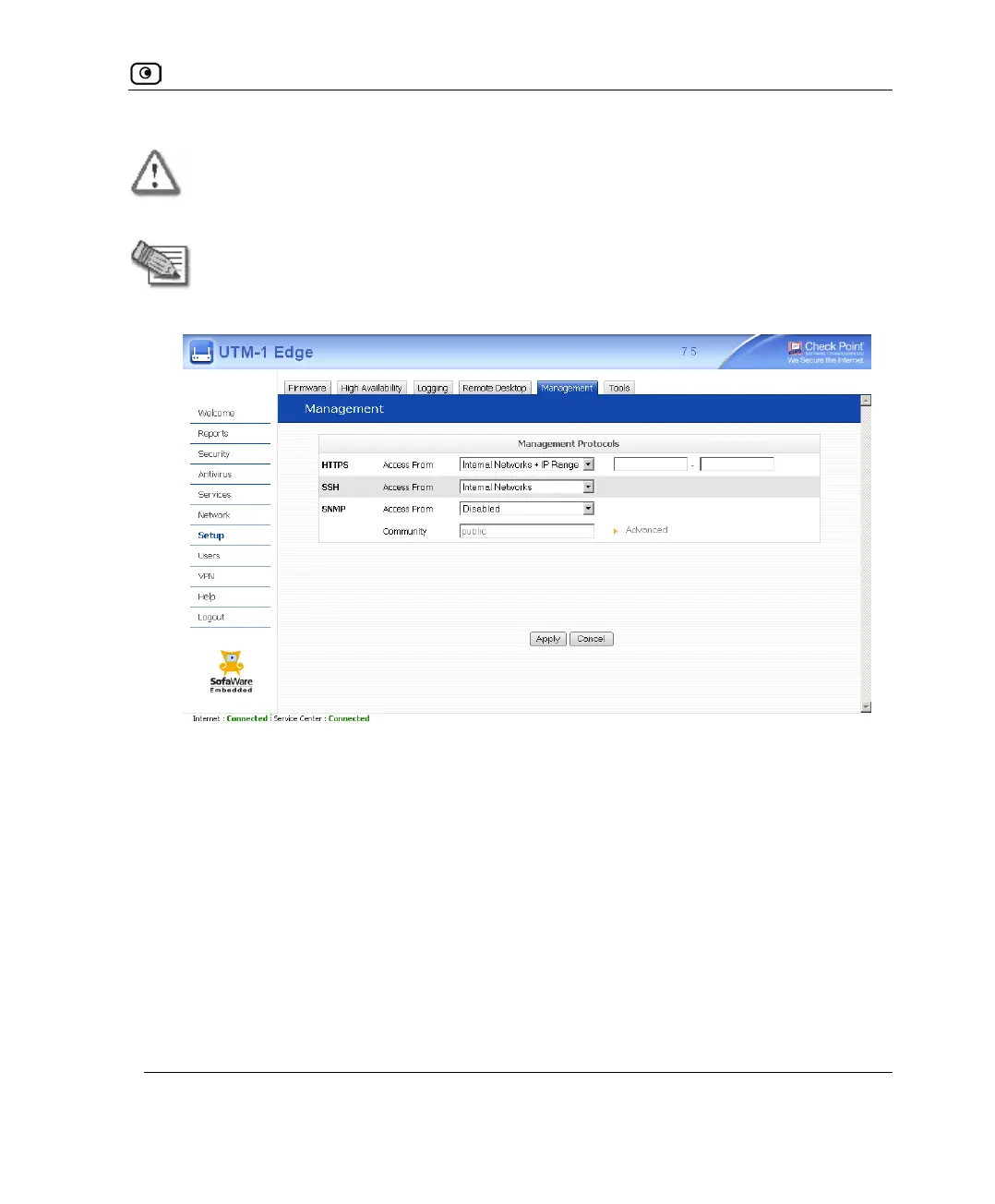
If you selected Internal Networks + IP Range, additional fields appear.
3. If you selected Internal Networks + IP Range, enter the desired IP address range
in the fields provided.
4. Click Apply.
The HTTPS configuration is saved. If you configured remote HTTPS, you can now
access the UTM-1 Portal through the Internet, using the procedure Accessing the
UTM-1 Portal Remotely on page
91.















 To Next Page