Setting Up Network Printers
630 Check Point UTM-1 Edge User Guide
Setting Up Network Printers
To set up a network printer
1. Connect the network printer to the UTM-1 appliance.
See Connecting the Appliance to Network Printers on page
83.
2. Turn the printer on.
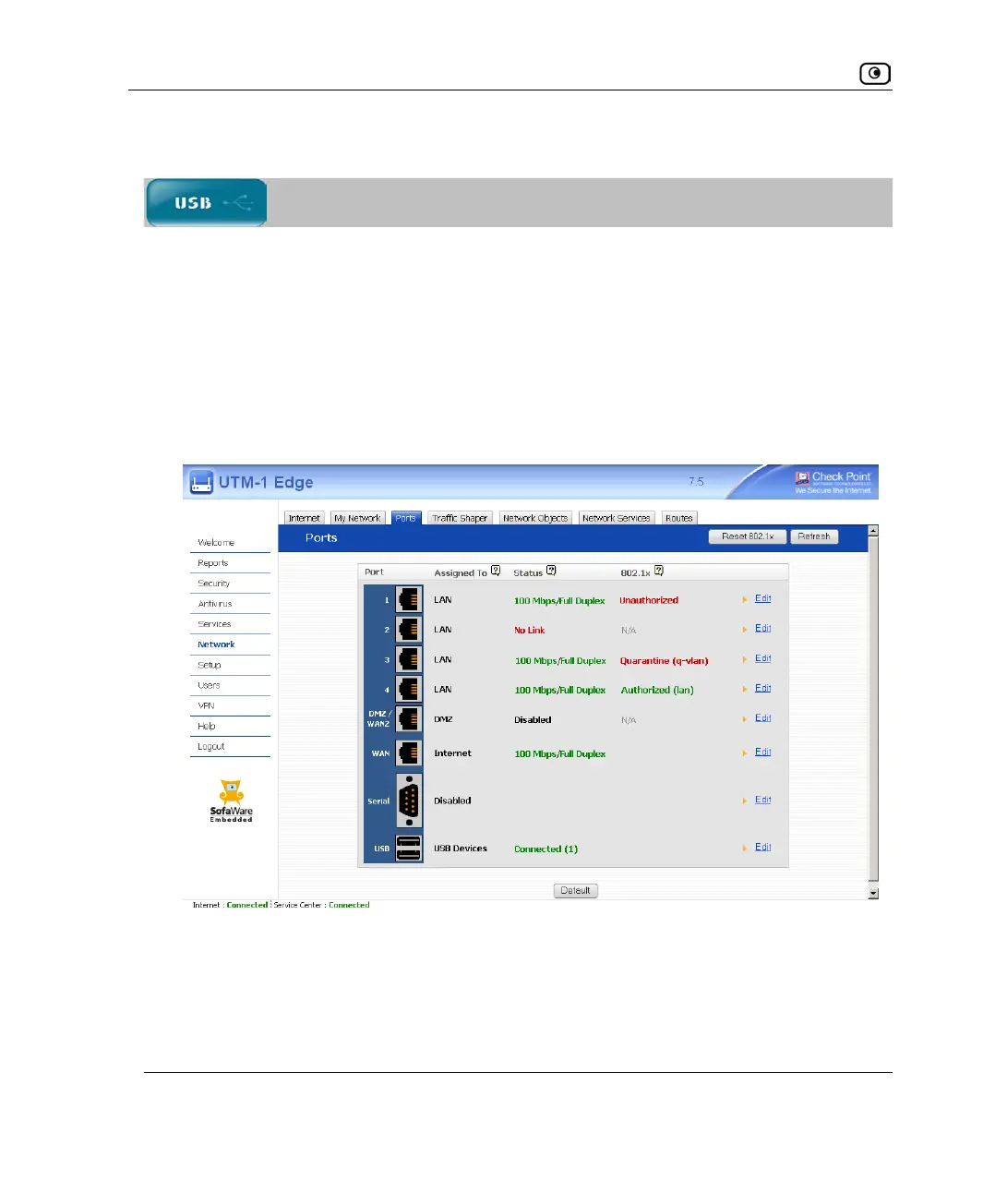
3. In the UTM-1 Portal, click Network in the main menu, and click the Ports tab.
The Ports page appears.
4. Next to USB, click Edit.















 To Next Page