Setting Up Network Printers
Chapter 20: Using Network Printers 631
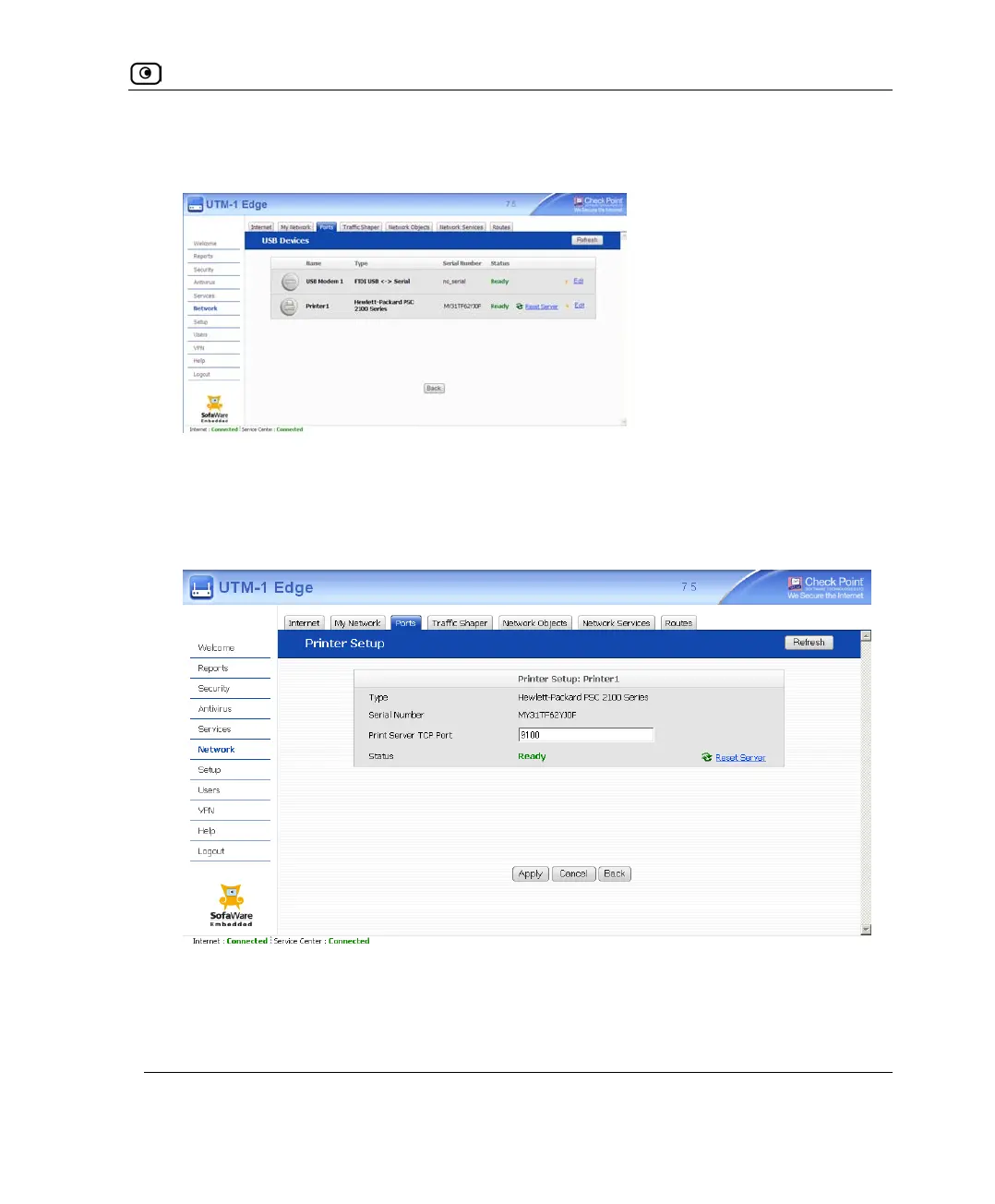
The USB Devices page appears. If the UTM-1 appliance detected the printer, the
printer is listed on the page.
If the printer is not listed, check that you connected the printer correctly, then click
Refresh to refresh the page.
5. Next to the printer, click Edit.
The Printer Setup page appears.
6. Write down the port number allocated to the printer.
The port number appears in the Printer Server TCP Port field. You will need this
number later, when configuring computers to use the network printer.















 To Next Page