Adding and Editing VPN Sites
Chapter 16: Working with VPNs 489
Adding and Editing VPN Sites
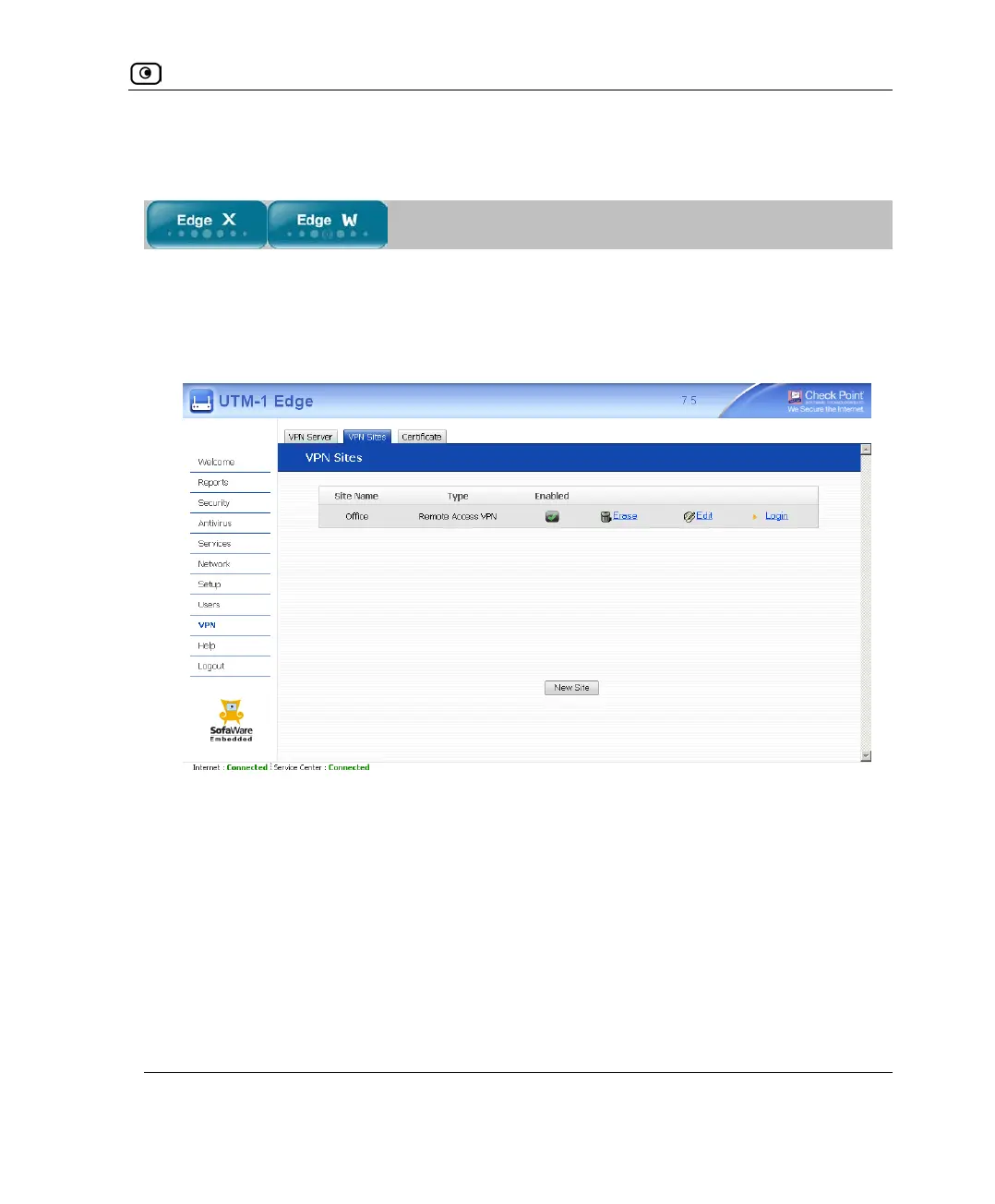
To add or edit VPN sites
1. Click VPN in the main menu, and click the VPN Sites tab.
The VPN Sites page appears with a list of VPN sites.
2. Do one of the following:
• To add a VPN site, click New Site.
• To edit a VPN site, click Edit in the desired VPN site’s row.















 To Next Page