Adding and Editing VPN Sites
490 Check Point UTM-1 Edge User Guide
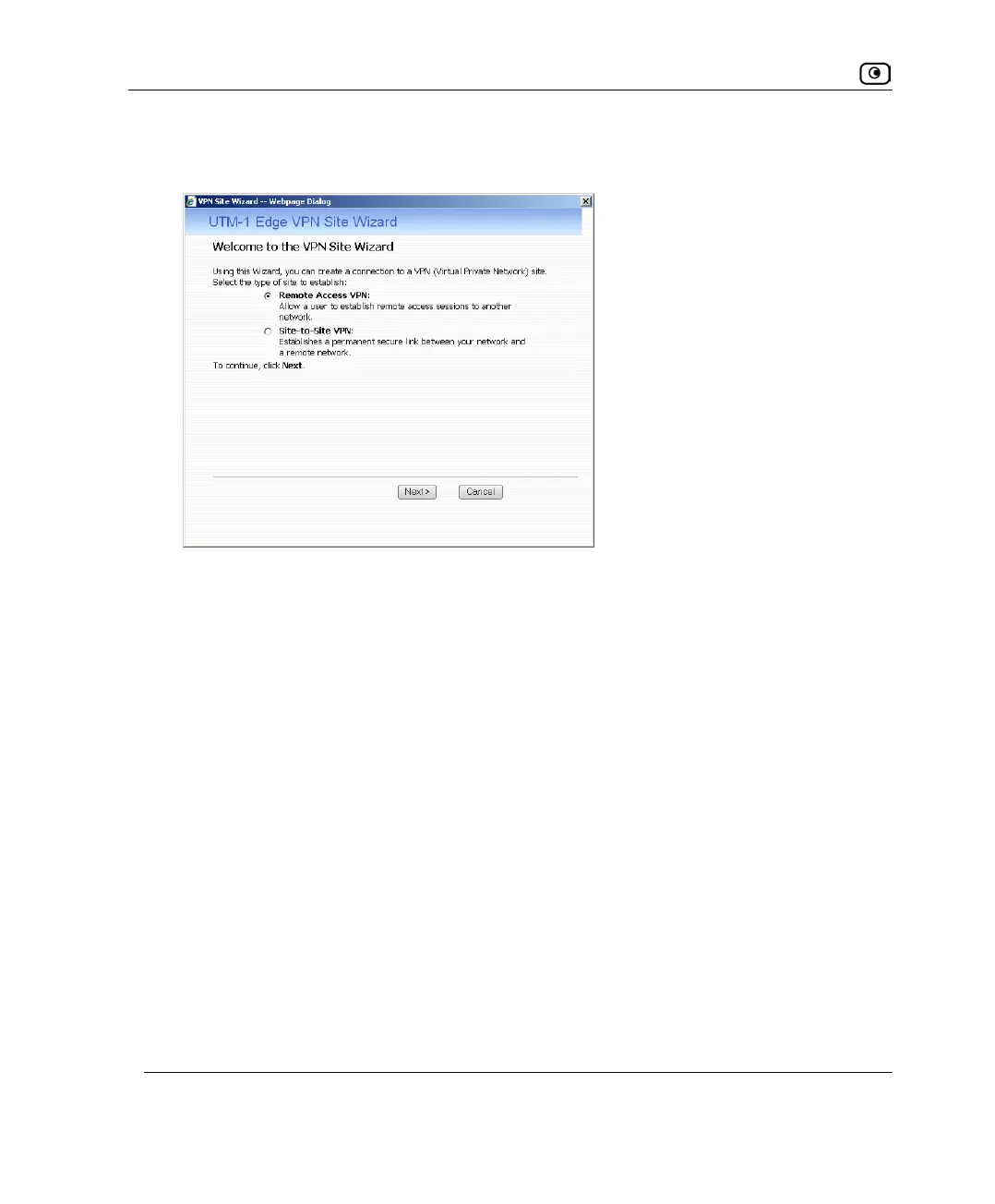
The UTM-1 VPN Site Wizard opens, with the Welcome to the VPN Site Wizard dialog box
displayed.
3. Do one of the following:
• Select Remote Access VPN to establish remote access from your Remote
Access VPN Client to a Remote Access VPN Server.
• Select Site-to-Site VPN to create a permanent bi-directional connection to
another Site-to-Site VPN Gateway.
4. Click Next.















 To Next Page