Adding and Editing VPN Sites
Chapter 16: Working with VPNs 491
Configuring a Remote Access VPN Site
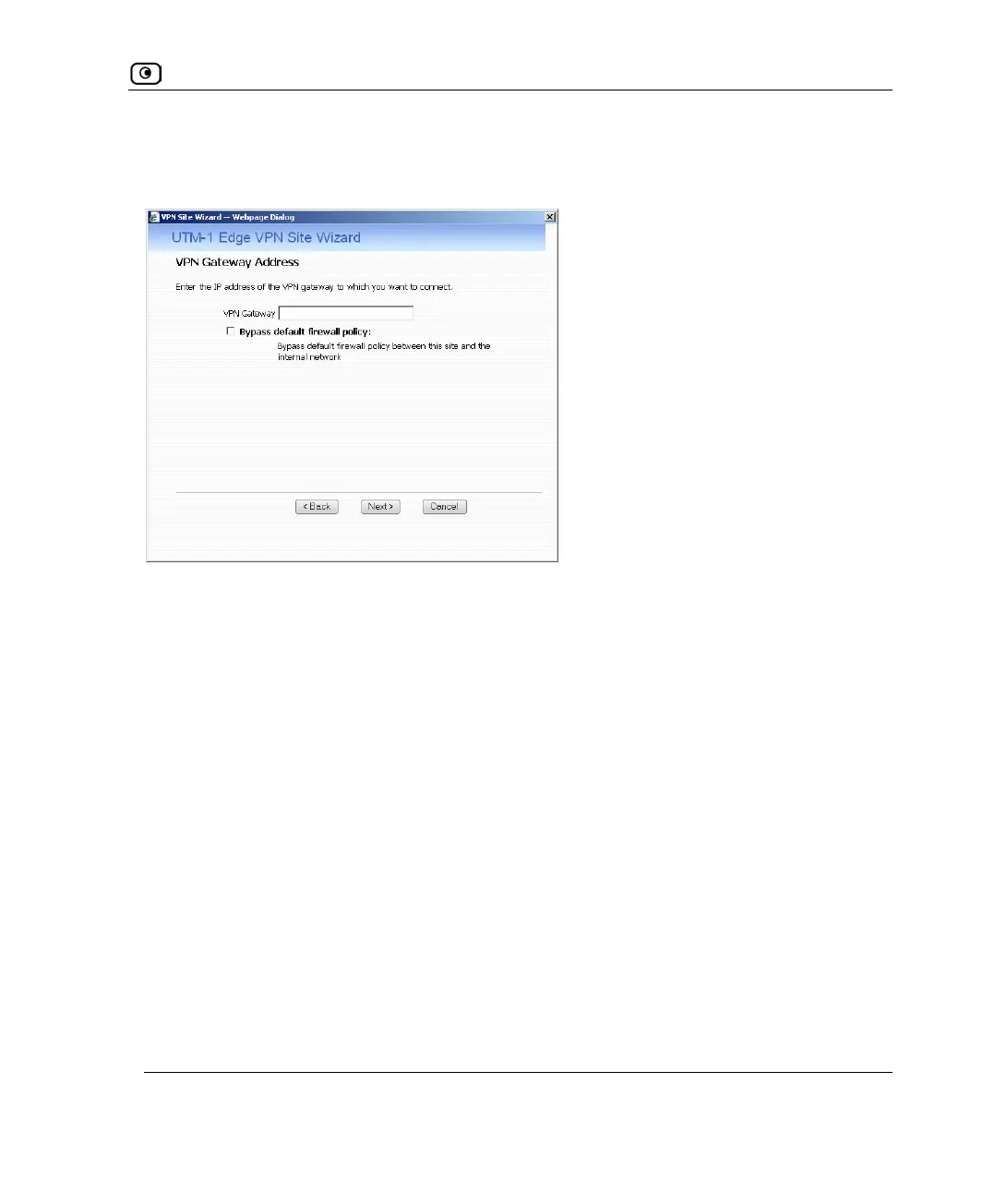
If you selected Remote Access VPN, the VPN Gateway Address dialog box appears.
1. Enter the IP address of the Remote Access VPN Server to which you want to
connect, as given to you by the network administrator.
2. To allow the VPN site to bypass the default firewall policy and access your
internal network without restriction, select the Bypass default firewall policy
check box.
User-defined rules will still apply to the VPN site.
3. Click Next.















 To Next Page