Viewing the Routing Table
322 Check Point UTM-1 Edge User Guide
Viewing the Routing Table
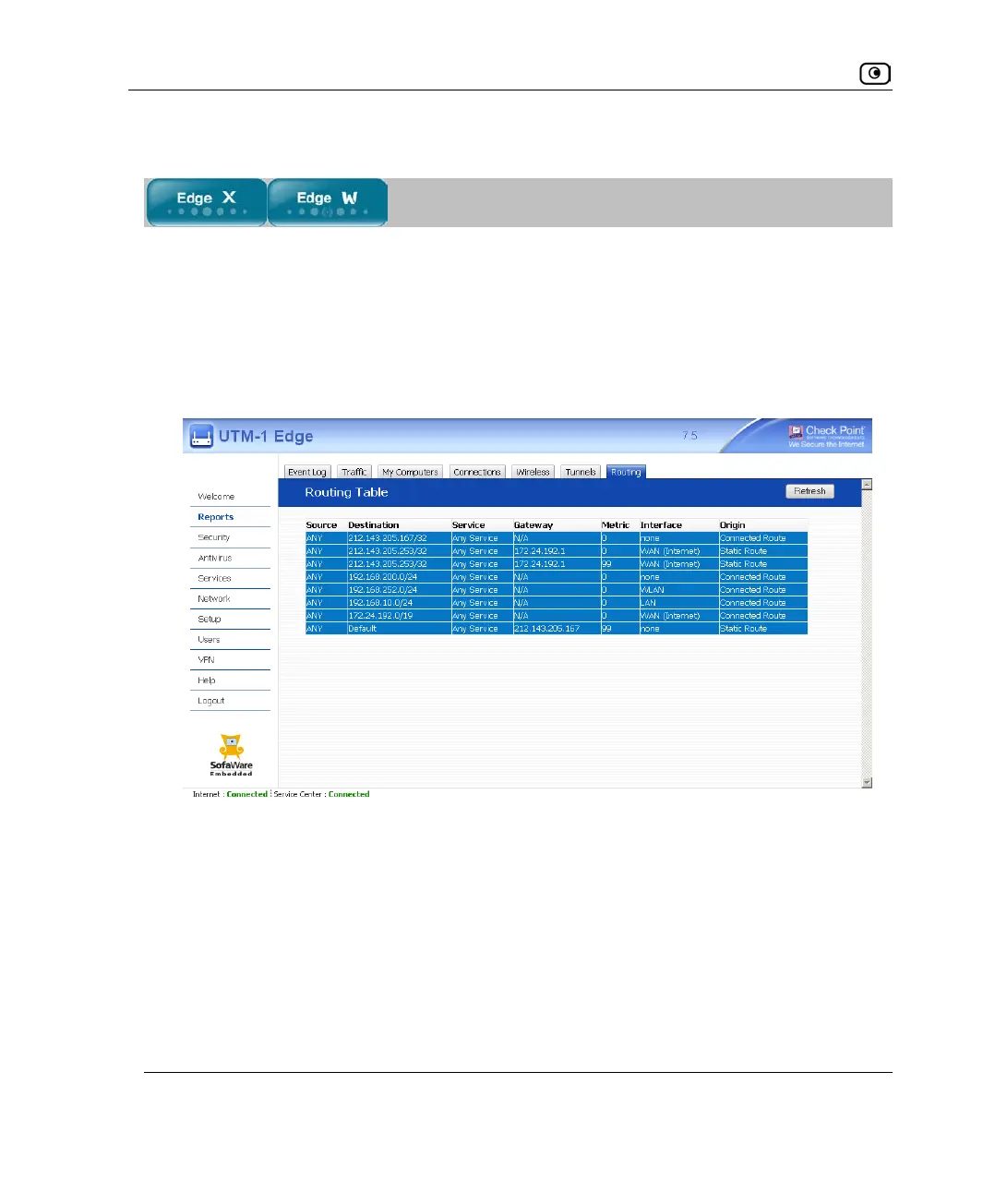
This option allows you to view the routing table currently in effect on the UTM-1
appliance.
To view the current routing table
1. Click Reports in the main menu, and click the Routing tab.
The Routing Table page appears.
The page displays the information in the following table.
2. To refresh the display, click Refresh.















 To Next Page