Setting Up Your UTM-1 Appliance as a VPN Server
488 Check Point UTM-1 Edge User Guide
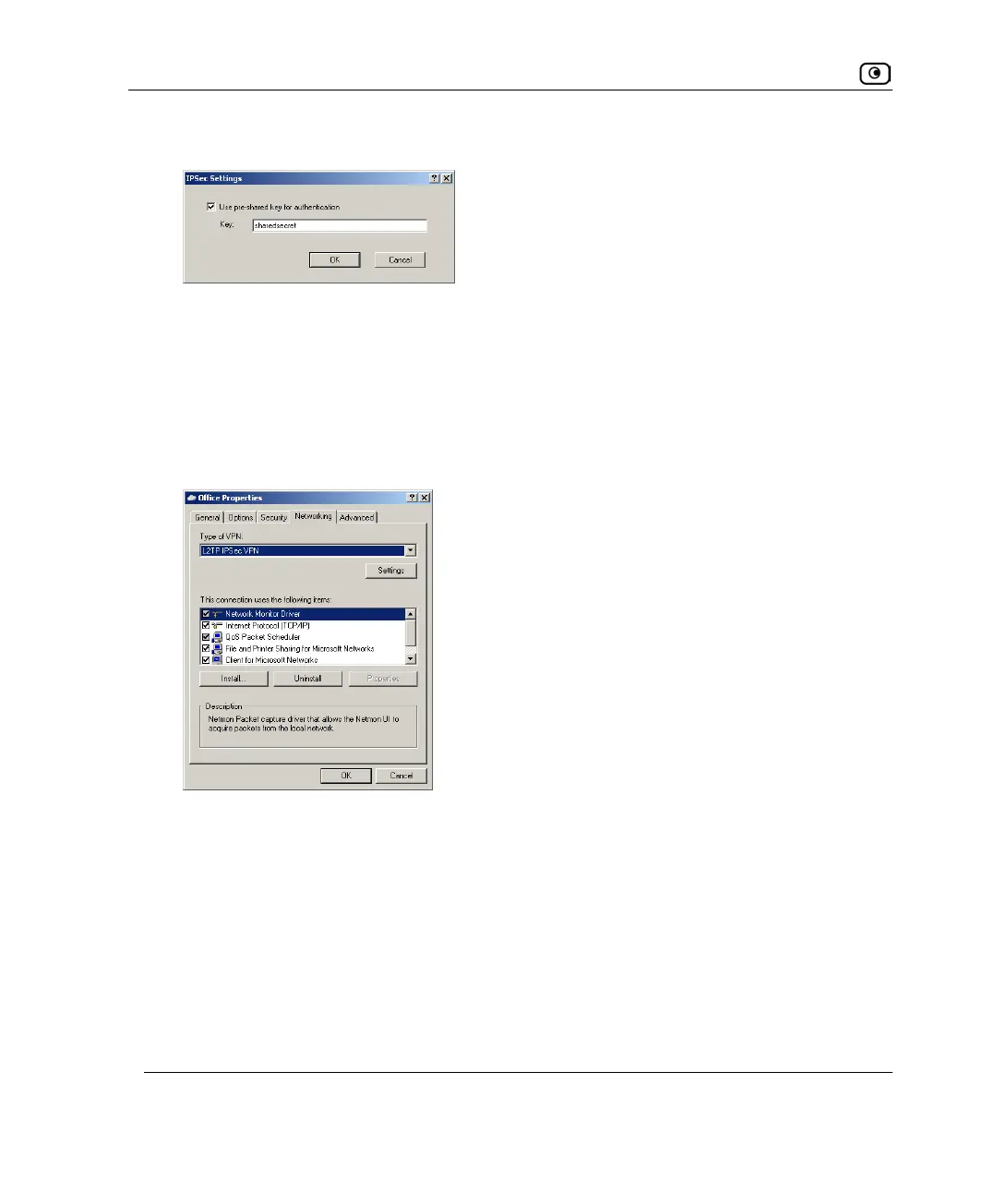
The IPSec Settings dialog box opens.
24. Select the Use pre-shared key for authentication check box.
25. In the Key field, type the preshared secret you configured on the L2TP VPN
Server.
26. Click OK.
27. In Properties dialog box, click the Networking tab.
28. In the Type of VPN drop-down list, select L2TP IPSec VPN.
29. Click OK.















 To Next Page