Controlling the Appliance via the Command Line
Chapter 19: Maintenance 591
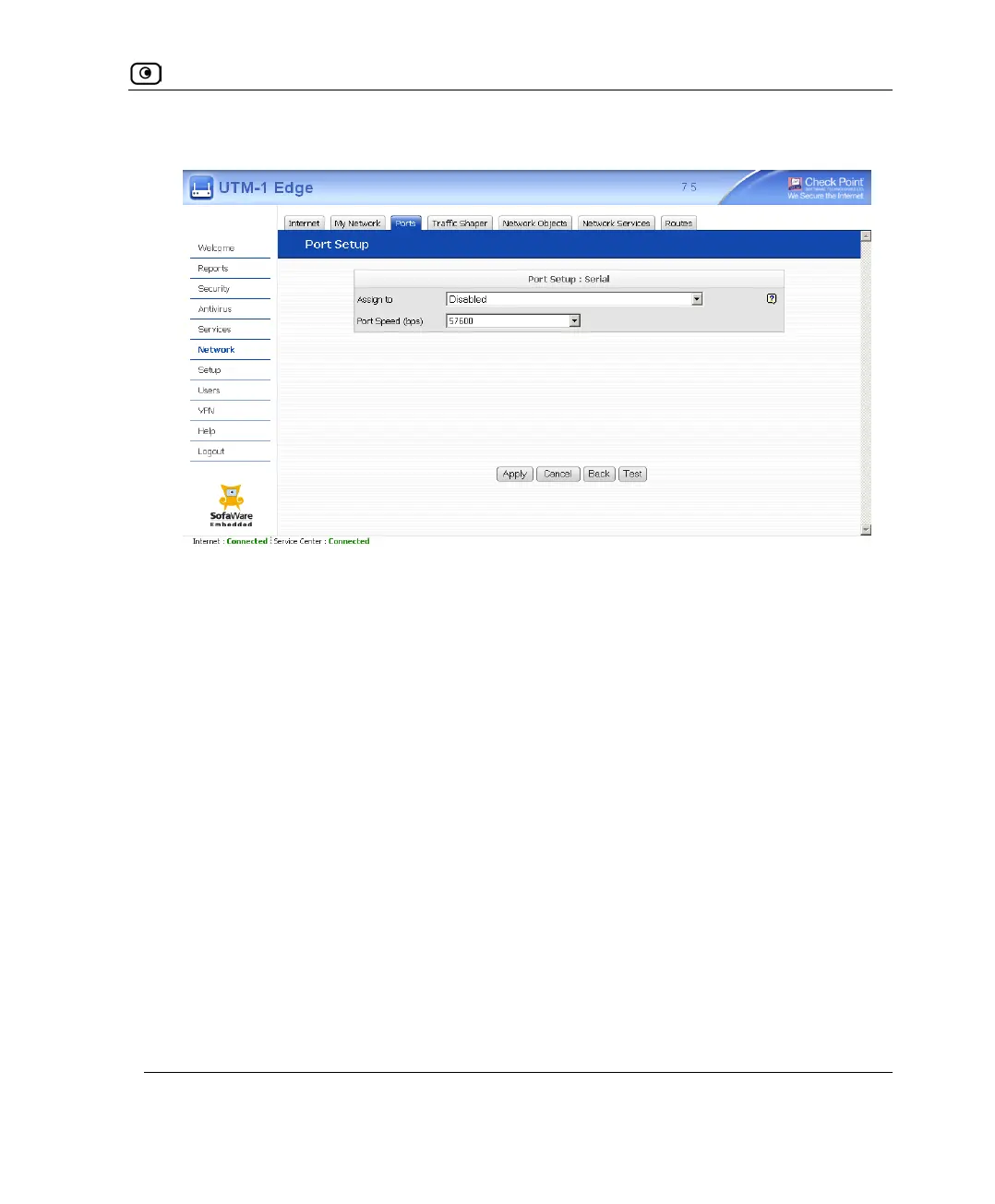
The Port Setup page appears.
4. In the Assign to drop-down list, select Console.
5. In the Port Speed drop-down list, select the Serial port's speed (in bits per
second).
The Serial port's speed must match that of the attached serial console. The default
value is 57600.
6. Click Apply.
You can now control the UTM-1 appliance from the serial console.
For information on all supported commands, refer to the Embedded NGX CLI
Reference Guide.















 To Next Page