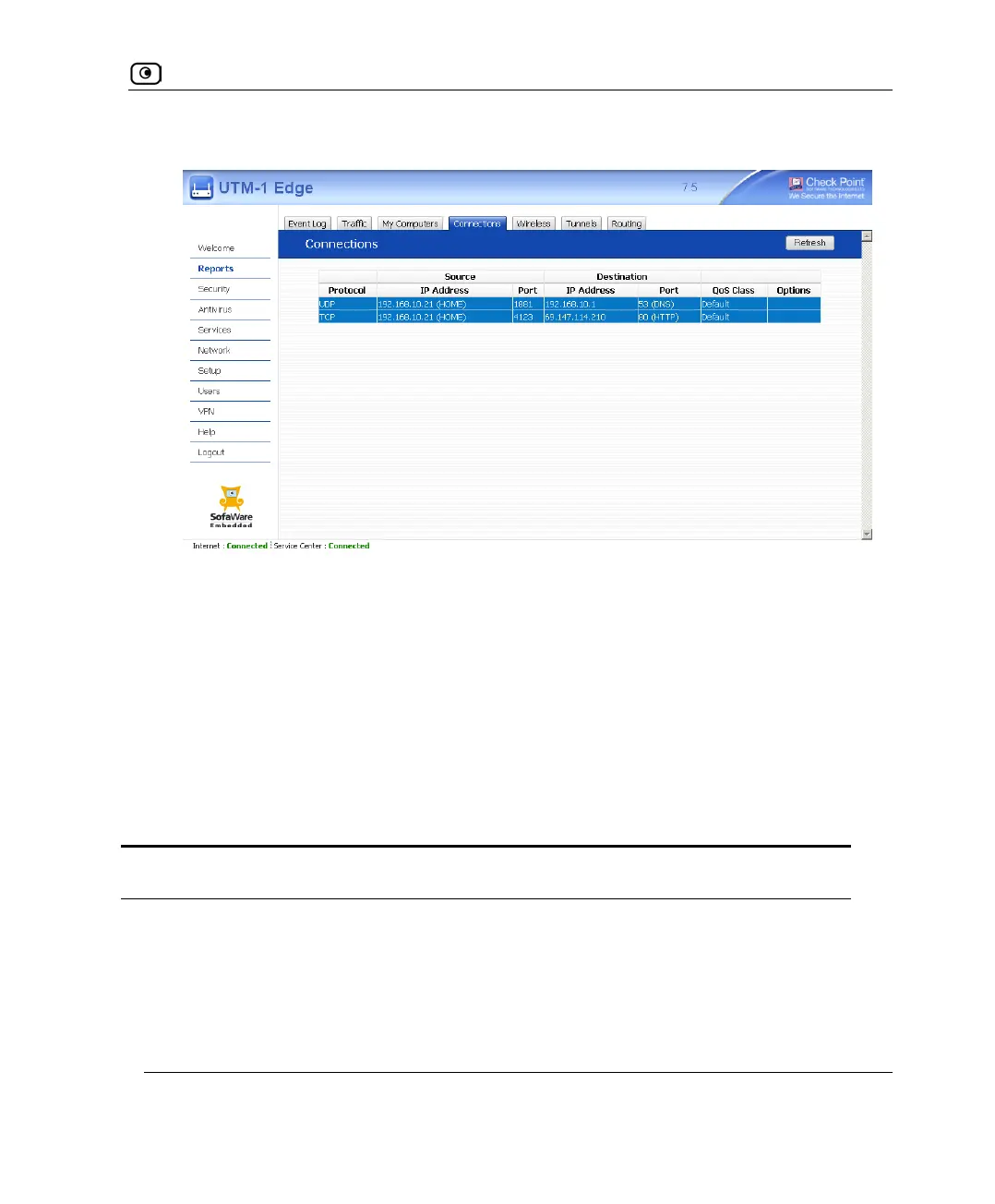
Viewing Connections
Chapter 11: Viewing Reports 315
The Connections page appears.
The page displays the information in the following table.
2. To refresh the display, click Refresh.
3. To view information on the destination machine, click its IP address.
The UTM-1 appliance queries the Internet WHOIS server, and a window displays the
name of the entity to which the IP address is registered and their contact information.
4. To view information about a destination port, click the port.
A window opens displaying information about the port.
Table 54: Connections Fields
This field… Displays…
Protocol The protocol used (TCP, UDP, etc.)
Source - IP Address The source IP address
Source - Port The source port















 To Next Page