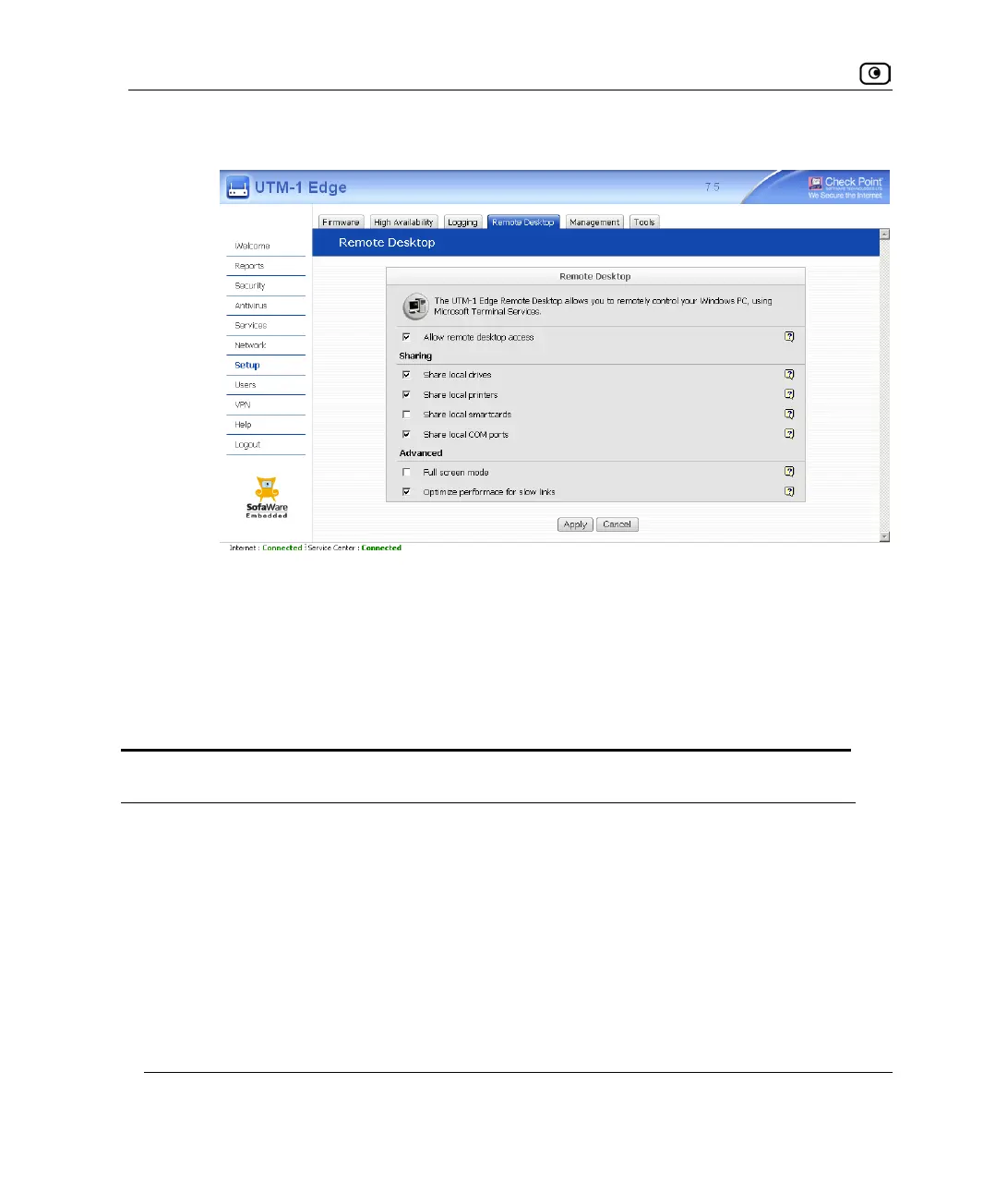
Configuring Remote Desktop
568 Check Point UTM-1 Edge User Guide
New fields appear.
• To disable Remote Desktop, clear the Allow remote desktop access check box.
Fields disappear.
3. Complete the fields using the information in the following table.
4. Click Apply.
Table 117: Remote Desktop Options
In this field… Do this…
Sharing
Share local drives Select this option to allow the host computer to access hard drives on
the client computer. This enables remote users to access their local hard
drives when logged on to the host computer.
Share local printers Select this option to allow the host computer to access printers on the
client computer. This enables remote users to access their local printer
when logged on to the host computer.















 To Next Page