Setting the Time on the Appliance
604 Check Point UTM-1 Edge User Guide
Complete the fields using the information in Time Servers Fields on page 605,
then click Next.
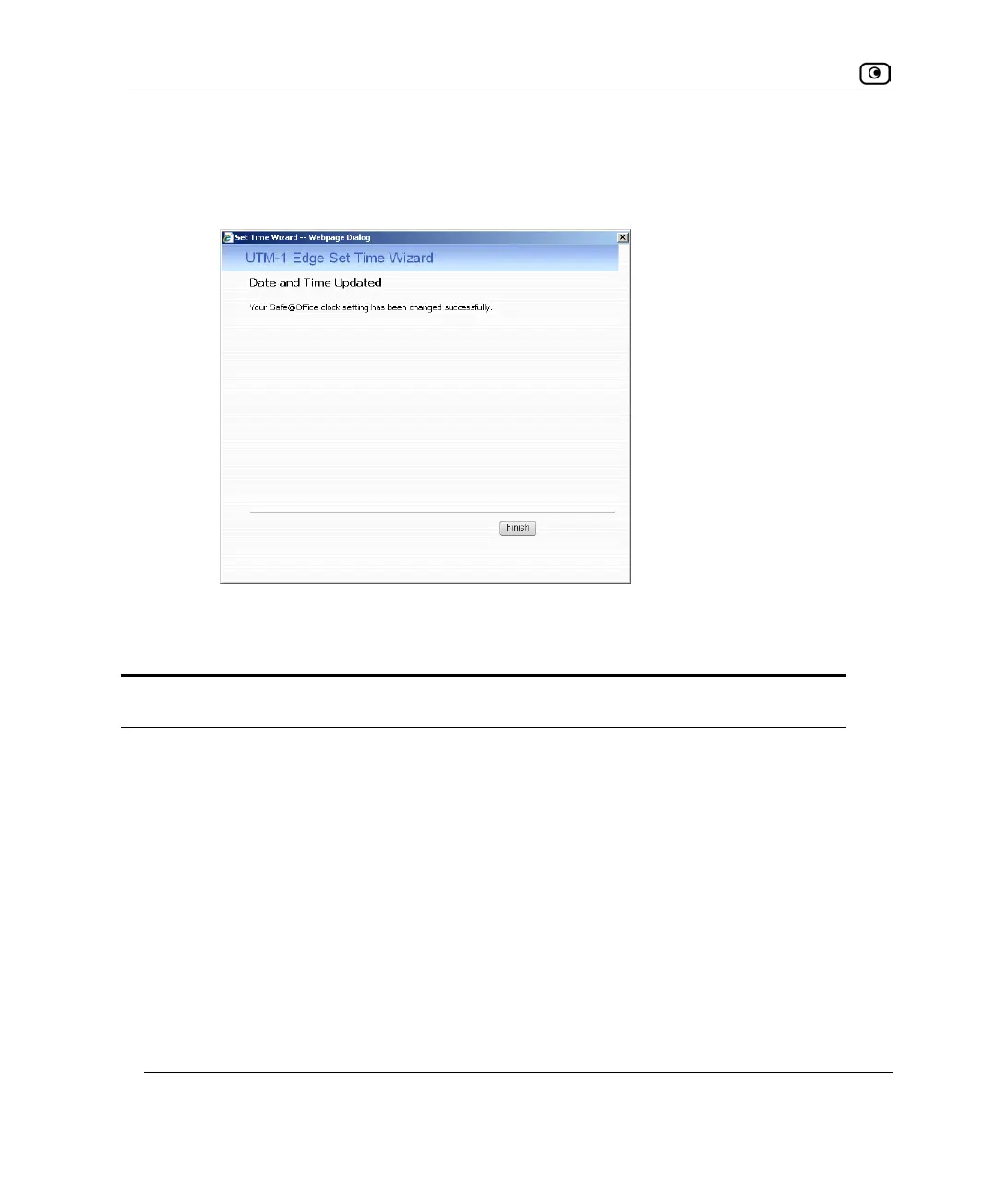
• The Date and Time Updated screen appears.
5. Click Finish.
Table 123: Set Time Wizard Fields
Select this option… To do the following…
Your computer's clock Set the appliance time to your computer’s system time.
Your computer’s system time is displayed to the right of this
option.
Keep the current setting Do not change the appliance’s time.
The current appliance time is displayed to the right of this option.
Use a Time Server Synchronize the appliance time with a Network Time Protocol
(NTP) server.















 To Next Page