Setting the Time on the Appliance
Chapter 19: Maintenance 603
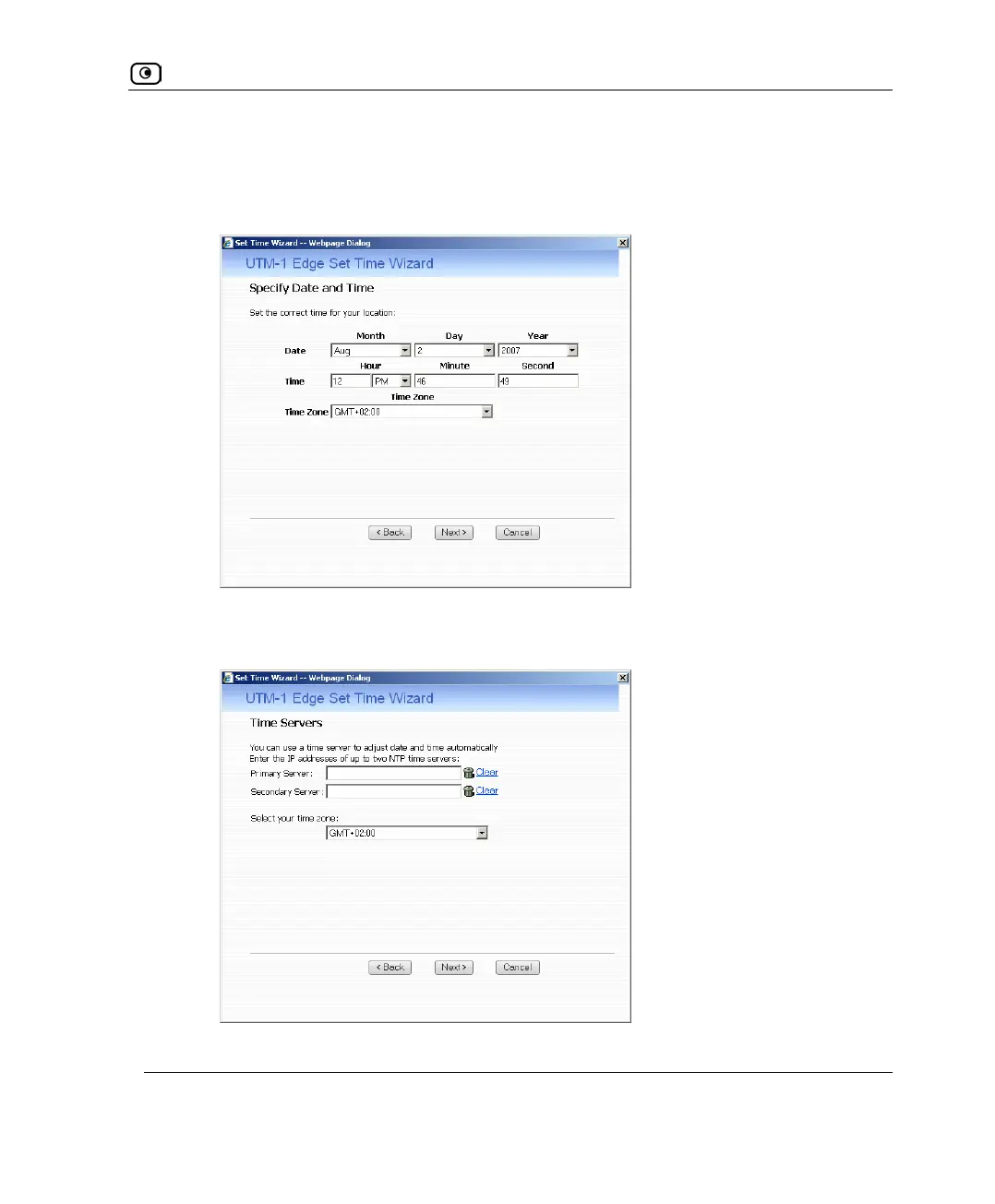
The following things happen in the order below:
• If you selected Specify date and time, the Specify Date and Time dialog box
appears.
Set the date, time, and time zone in the fields provided, then click Next.
• If you selected Use a Time Server, the Time Servers dialog box appears.















 To Next Page