Using the Traffic Monitor
Chapter 11: Viewing Reports 311
Configuring Traffic Monitor Settings
You can configure the interval at which the UTM-1 appliance should collect traffic data
for network traffic reports.
To configure Traffic Monitor settings
1. Click Reports in the main menu, and click the Traffic tab.
The Traffic Monitor page appears.
2. Click Settings.
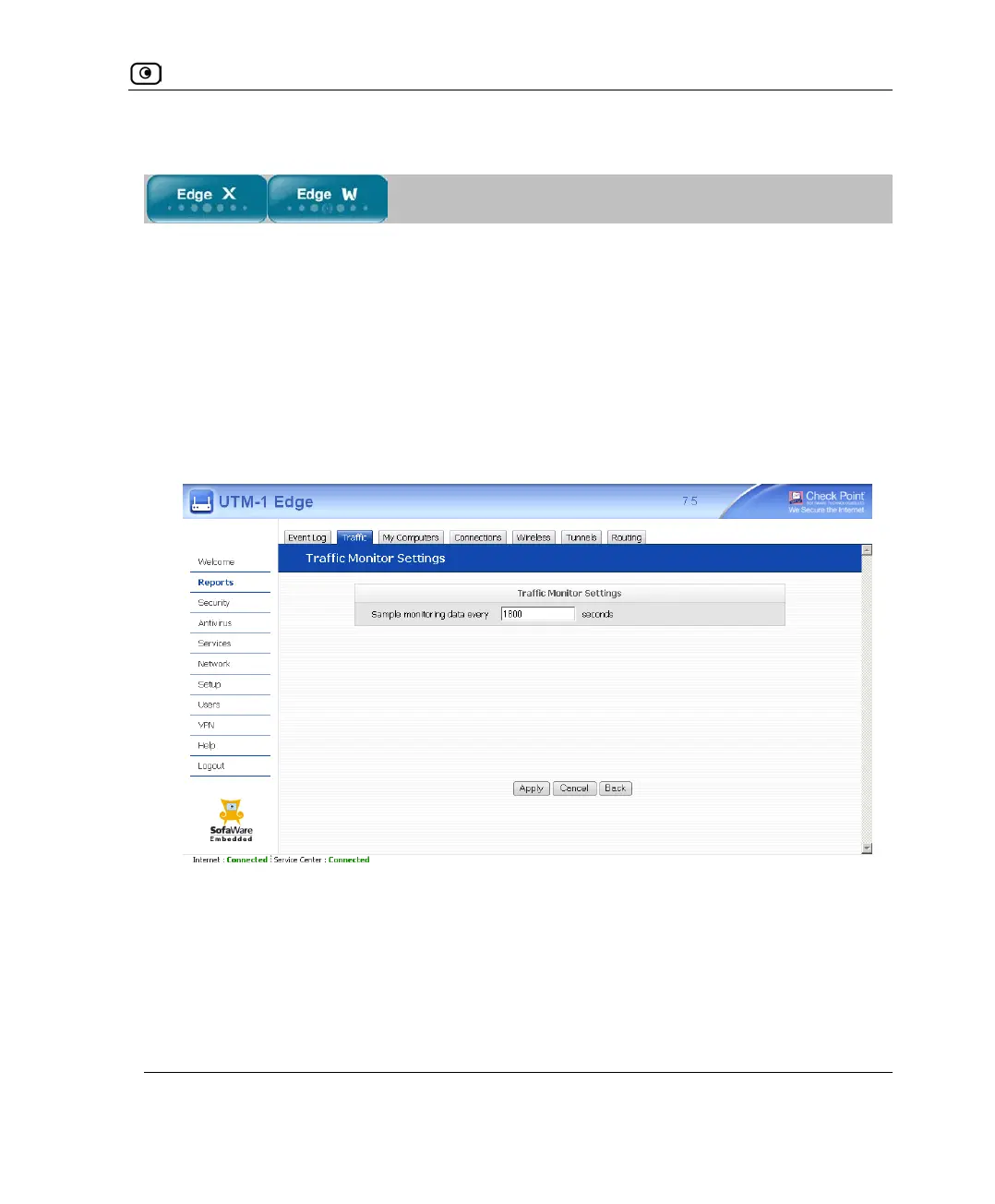
The Traffic Monitor Settings page appears.
3. In the Sample monitoring data every field, type the interval (in seconds) at
which the UTM-1 appliance should collect traffic data.
The default value is one sample every 1800 seconds (30 minutes).
4. Click Apply.















 To Next Page