Backing Up the UTM-1 Appliance Configuration
622 Check Point UTM-1 Edge User Guide
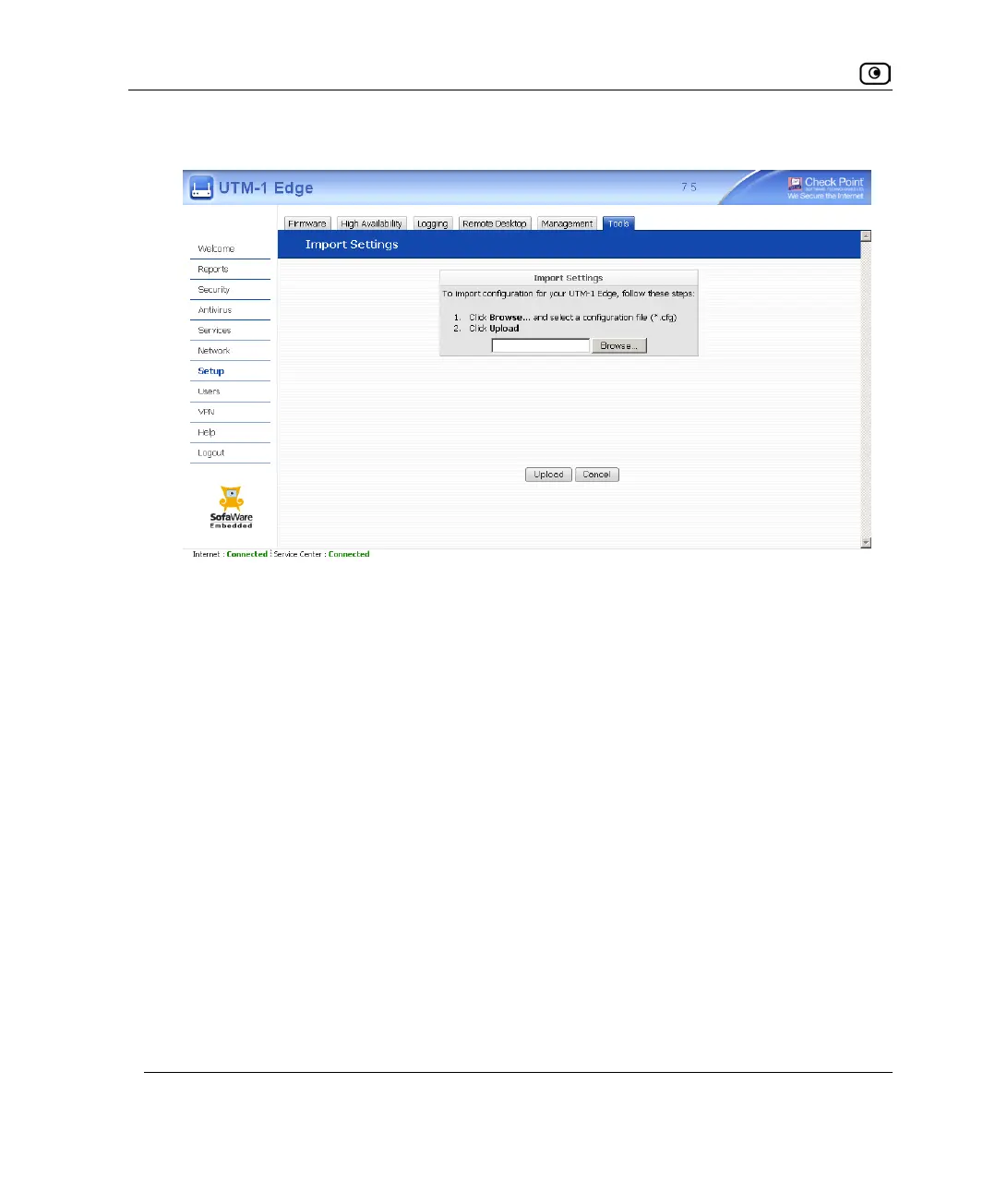
The Import Settings page appears.
3. Do one of the following:
• In the Import Settings field, type the full path to the configuration file.
Or
• Click Browse, and browse to the configuration file.
4. Click Upload.
A confirmation message appears.
5. Click OK.
The UTM-1 appliance settings are imported.















 To Next Page