Configuring Wireless Networks
296 Check Point UTM-1 Edge User Guide
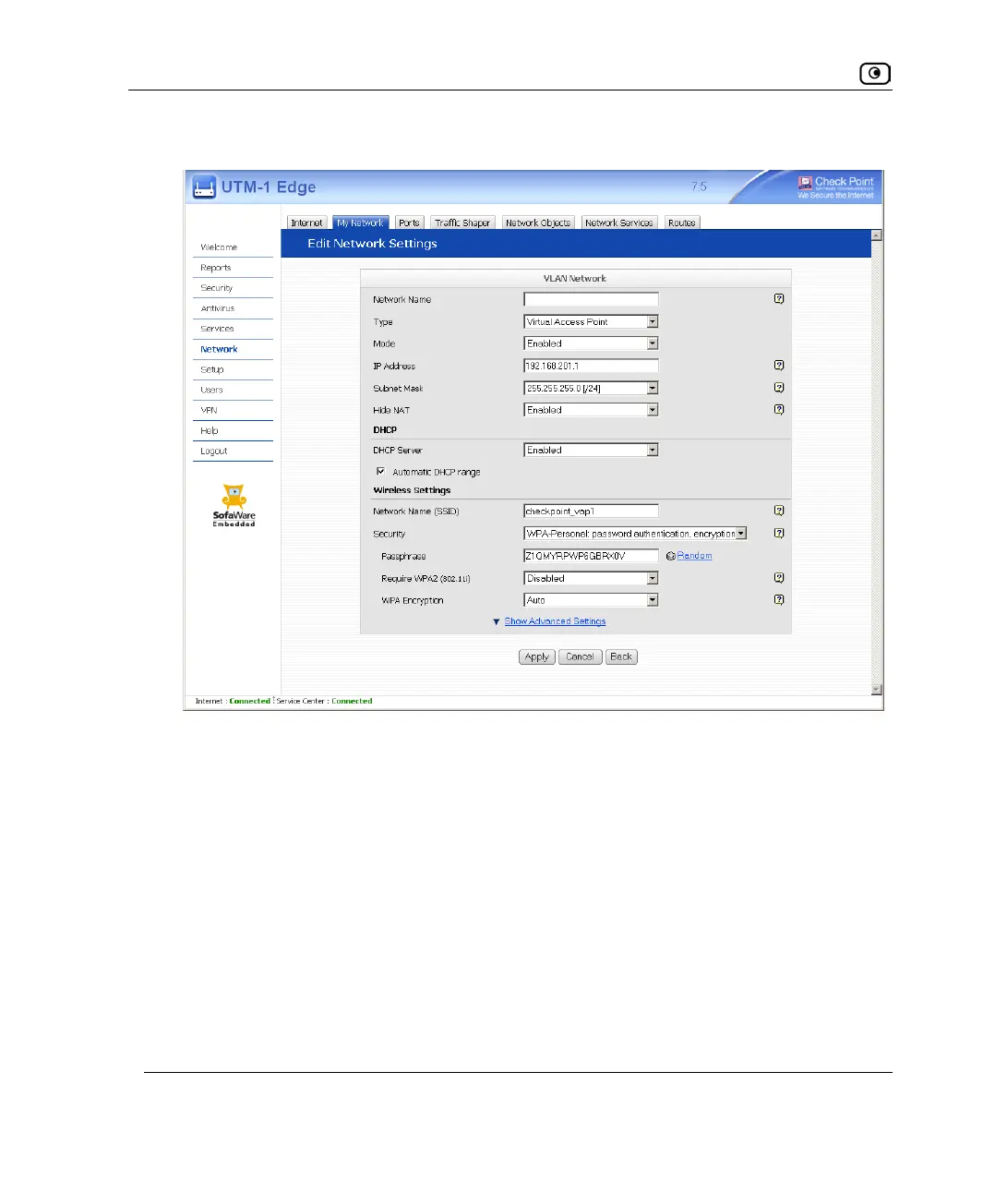
New fields appear.
7. In the Mode drop-down list, select Enabled.
The fields are enabled.
8. In the IP Address field, type the IP address of the VAP network's default
gateway.
The VAP network must not overlap other networks.
9. In the Subnet Mask field, type the VAP's internal network range.
10. If desired, enable or disable Hide NAT.
See Enabling/Disabling Hide NAT on page
163.
11. If desired, configure a DHCP server.
See Configuring a DHCP Server on page
164.















 To Next Page