Configuring Wireless Networks
Chapter 10: Working with Wireless Networks 295
2. If you want to use WPA-Enterprise or 802.1x security mode for the VAP,
make sure a RADIUS server is configured.
For information on security modes, see Basic Wireless Settings Fields on page
284.
For information on configuring RADIUS servers, see Using RADIUS Authentication
on page
553.
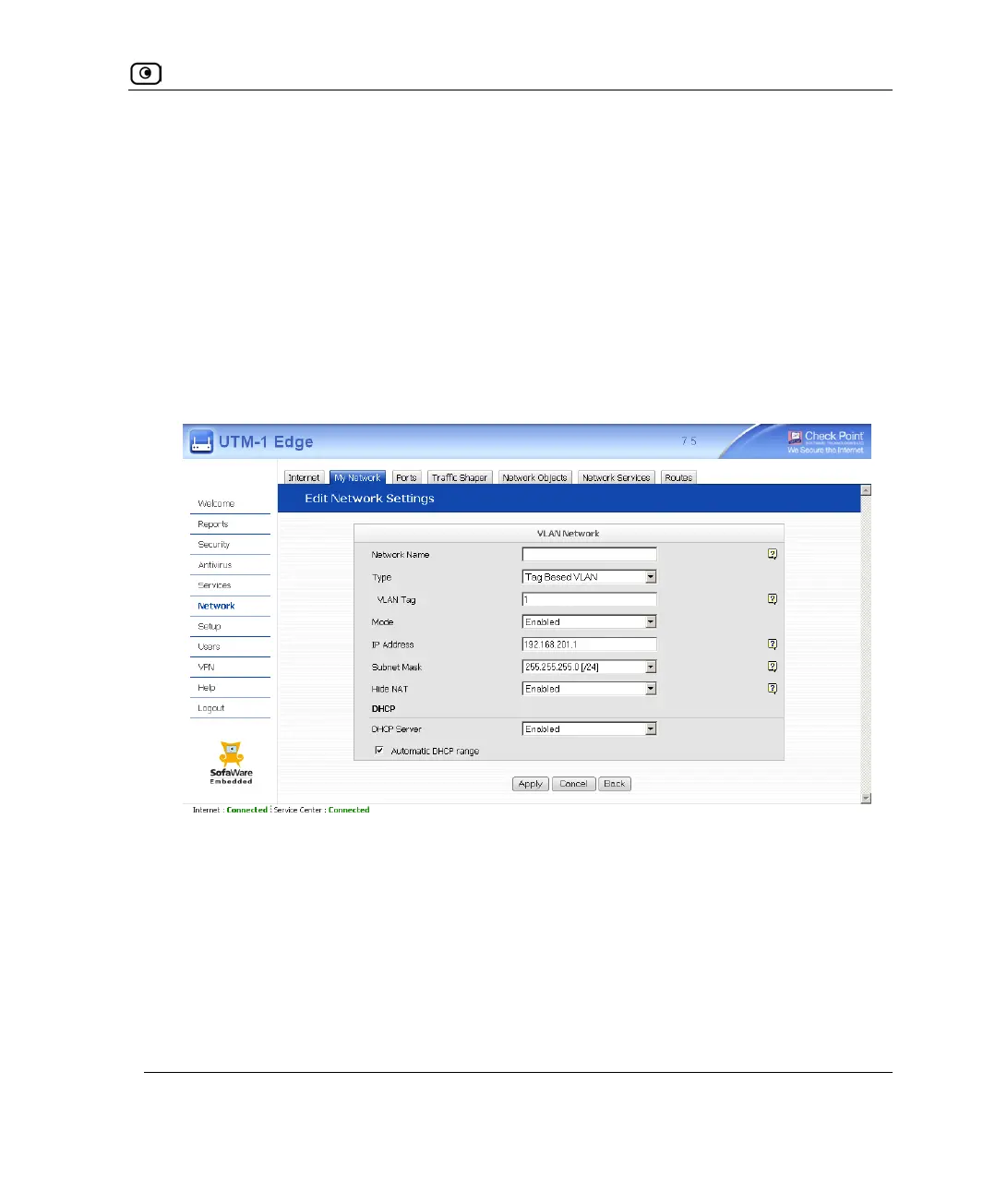
3. Click Network in the main menu, and click the My Network tab.
The My Network page appears.
4. Click Add Network.
The Edit Network Settings page appears.
5. In the Network Name field, type a name for the VAP.
6. In the Type drop-down list, select Virtual Access Point.















 To Next Page