Programmable DC Power Supply 62000P Series Operating & Programming Manual
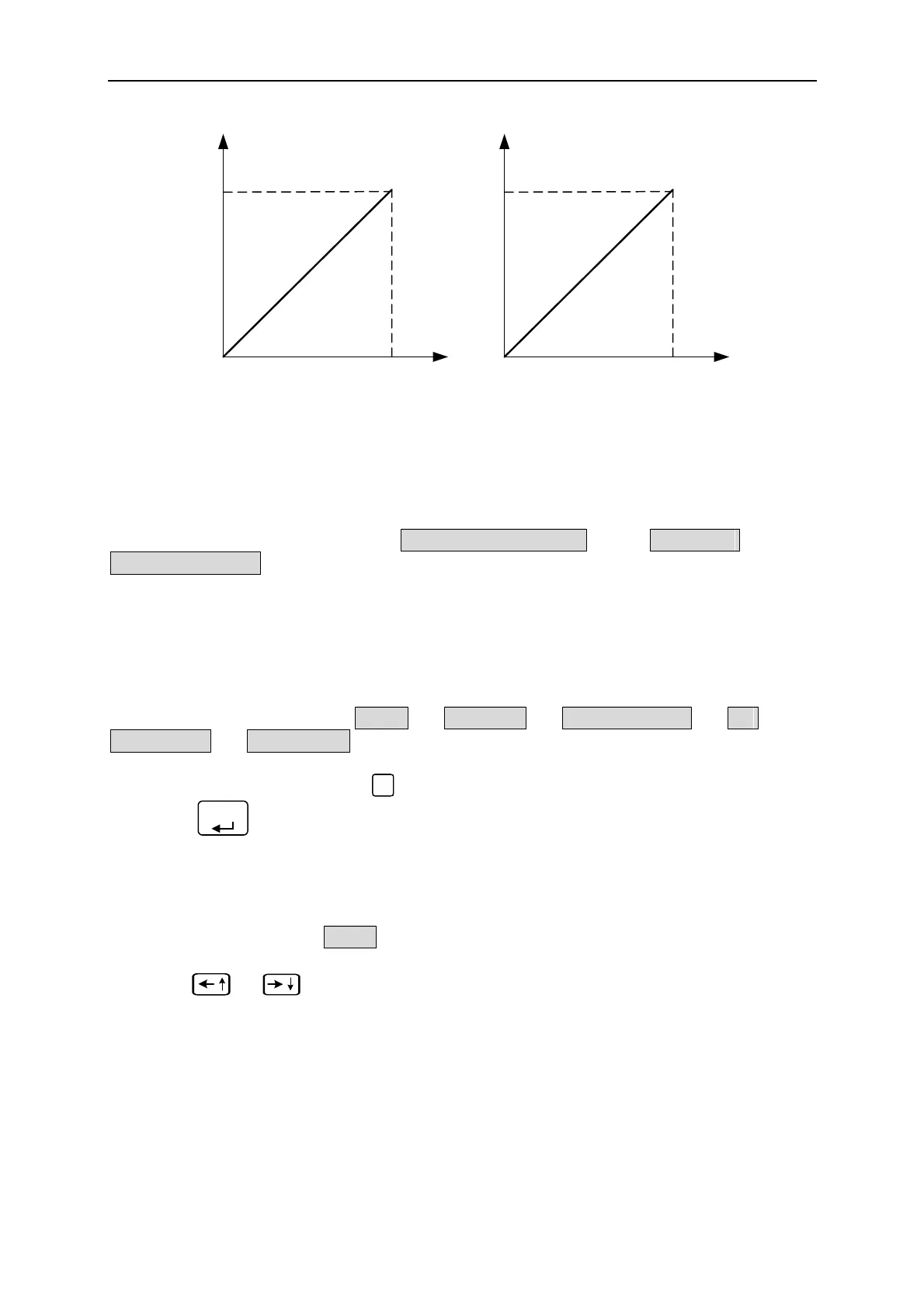
APG INPUT 5V/5V
DC SOURCE OUTPUT
80V/300A
APG INPUT 10V/10V
DC SOURCE OUTPUT
80V/300A
(a) (b)
Figure 3-49
3.3.4 DISPLAY
DISPLAY setting has two options: (1) DISPLAY SELECTION and (2) READING
AVERAGE TIMES.
3.3.4.1 DISPLAY SELECTION
The setting of DISPLAY is to show the internal settings on the last line of MAIN PAGE for
easy identification without entering the setting page. There are five options available for
displaying on MAIN PAGE: (1) NONE, (2) V/I LIMIT, (3) V/I/P PROTECT, (4) V/I
SLEWRATE, (5) TTL VALUE.
1. In Config setting page, press “
4
” to display the screen as Figure 3-50 shows.
2. Press “
ENTER
” to enter into DISPLAY SELECTION.
3.3.4.1.1 NONE
When this selection is set to NONE, the last line of MAIN PAGE will not show any message.
1. Use “
”, “
” keys to move the cursor to the column to be set as Figure 3-50
shows.
3-32



 To Next Page
 Loading...


