6 - USE AND OPERATION
Schermate display (ME)
ME2000S - User Manual
101 - 133
SERVICE
HOME
BACK
Axis X
Axis Y
Loader
Axis Z
SERVICE
HOME
BACK
Enable
Disable
Zero
Move (0 steps)
Press start button - Test stepper motor
1
2
3
STEPPERS
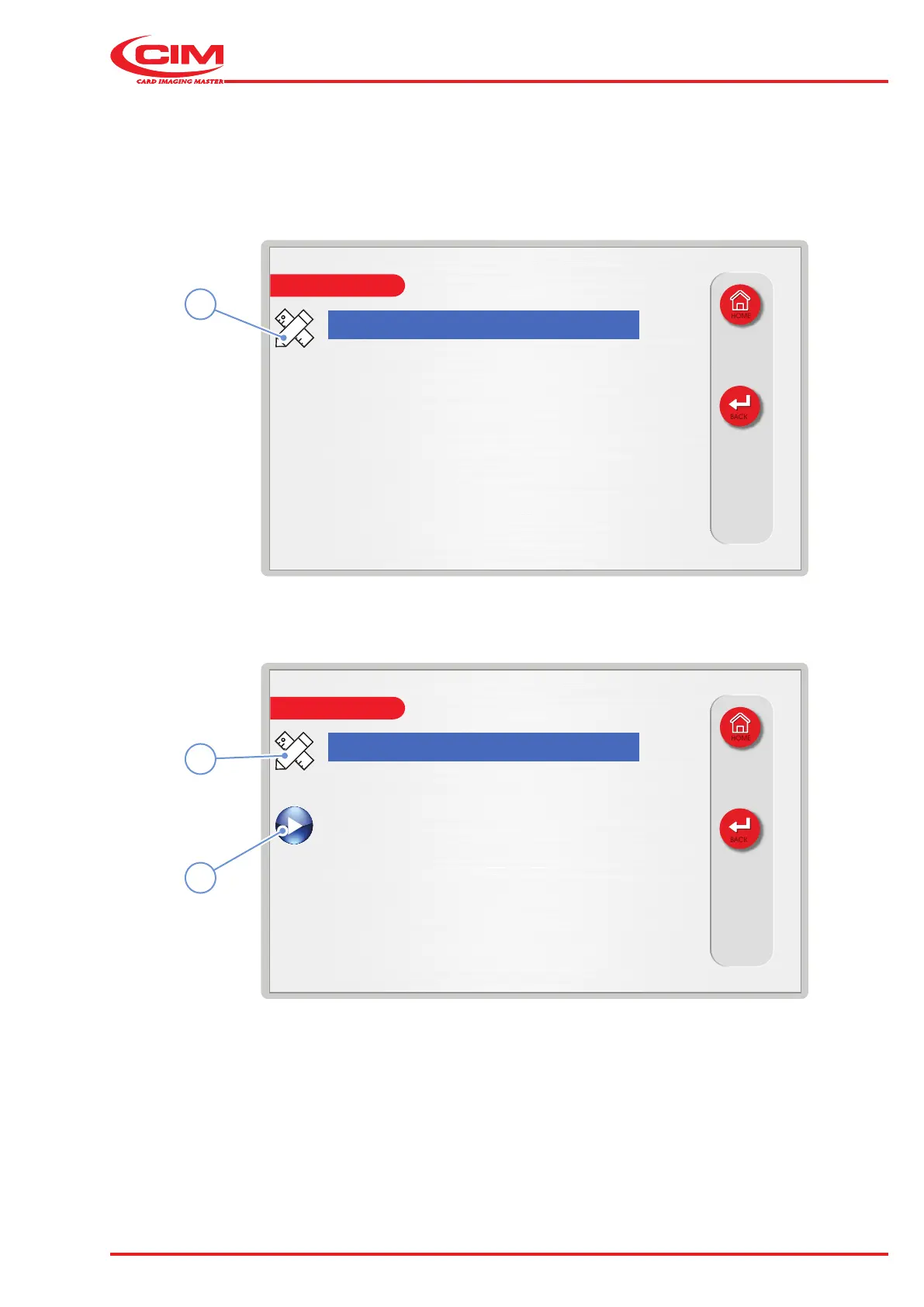
1) Go to the required line using the touch screen (or the arrow keys on the external keyboard): MAIN MENU\
SERVICE\TESTS\STEPPERS.
2) Press the icon (1) or the [F1] key on the external keyboard to set the relative option (icon with the white pencil/
ruler) to move from one selection to another. On this screen, the operator can choose the desired stepper to
control (X, Y, Z, LOADER).
3) Select (it will be highlighted with blue) one of the following elds and conrm by tapping on it (ESC to cancel)
4) Press the edit icon (2) to change the value of the selected stepper motor (editing apply only for “MOVE (x steps)”:
• ENABLE (after resetting the machine, the steppers are already “enabled”). This mean that the motor is under
tension.
• DISABLE - Motor has no tension and can be freely moved by hand.
• ZERO – Motor will move until it reaches its “zero point” which is the “Home position” given by the appropriate
ag & sensor.



 To Next Page